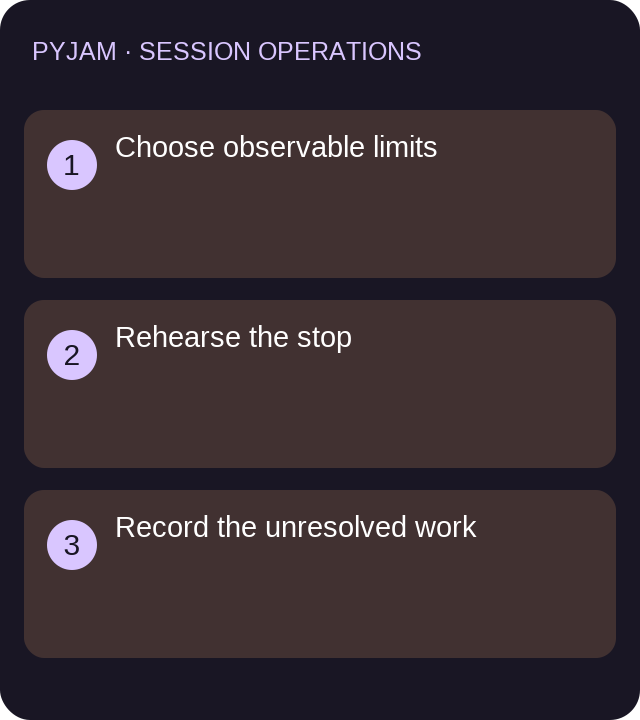
Choose observable limits
Write the intended result and the conditions that would make the attempt inappropriate to continue. Include task-specific safety guidance from competent sources where relevant; this page does not supply those rules. For an ordinary screen exercise, a limit might be an unavailable sample file or an output that no longer matches the verified example. Keep limits concrete enough that the presenter and operator can recognize them together.
Rehearse the stop
Practice naming the observation, pausing the action and moving to a prepared explanation or checked fallback. Preserve the distinction between what the current attempt showed and what an earlier reference illustrates. Do not silently substitute a prepared result as evidence that the attempted step succeeded. Keep essential visual information in words so the audience understands why the demonstration changed direction instead of seeing only a hurried camera switch.
Record the unresolved work
After rehearsal, note the observed condition, what remains unknown and the appropriate next check. Revise the running order if the fallback takes different time. A successful stop is a communication result, not proof that the underlying fault is fixed. Keep the later correction separate and verify it before a recap claims the process is ready for another audience session.
Stop-condition sheet
Use intended result, observable stop condition, person responsible, spoken explanation, fallback and later verification. Example: the sample file differs from the approved exercise, so the presenter stops the transformation and explains the reference instead. Resume only after the relevant condition is resolved through the appropriate checked procedure.
Try the check in Pyjam
Open Pyjam’s preparation route and inspect the available setup before choosing to broadcast. Use the rehearsal above to decide what to check; opening the app alone does not start or confirm a public session.
Prepare a Stream in Pyjam