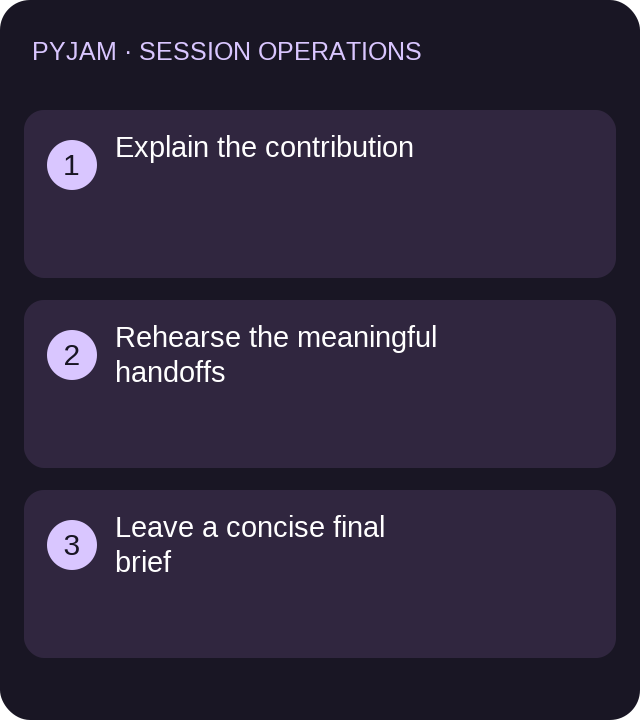
Explain the contribution
State the topic, approximate structure and what the guest will be asked to show or explain. Identify the rehearsal as such and agree on the materials intended for the audience. Share only the necessary joining information through your normal authorized route. Do not assume a guest knows which copy of a document is public or which part of an informal discussion is intended for the broadcast.
Rehearse the meaningful handoffs
Practice the introduction, first question, demonstration change and closing cue through the supported workflow you actually use. Check how a guest signals that they need a pause or cannot hear a question. Keep access needs in the plan. A call connection or a working microphone is only part of acceptance; the presenter and guest also need a shared understanding of when to speak and what the audience should learn.
Leave a concise final brief
Confirm the current running order, the responsible contact and the fallback if the guest cannot join the intended session. Remove obsolete rehearsal links from the final instructions where appropriate without deleting the production history. This guide describes a preparation process; it does not promise that Pyjam has guest invitations, co-hosting or a particular conferencing integration available in every session.
Guest preparation card
Write contribution, intended materials, rehearsal route, handoff cues, pause signal and fallback. Example: the guest has a newer document than the presenter, so the first question refers to a missing diagram. Resolve the version before the audience session and repeat the affected exchange rather than treating connection success as full readiness.
Try the check in Pyjam
Open Pyjam’s preparation route and inspect the available setup before choosing to broadcast. Use the rehearsal above to decide what to check; opening the app alone does not start or confirm a public session.
Prepare a Stream in Pyjam