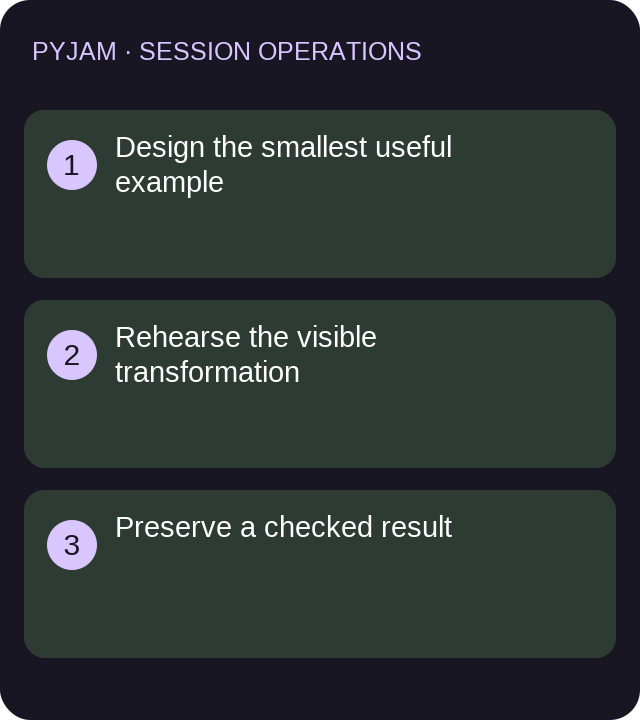
Design the smallest useful example
Choose records that show the intended operation, including a relevant edge case such as an empty cell or repeated label. Use synthetic or appropriately permitted data and remove unnecessary personal information. Label the material as an example in the spoken introduction and supporting text. Keep a known starting copy so the demonstration can be repeated without accidentally using a partly modified file from an earlier rehearsal.
Rehearse the visible transformation
Perform the operation and describe the important change in words. Inspect the column names, selected range and result at the intended video size. Ask a helper to explain what changed and why. Avoid making the example so convenient that the operation appears to solve a harder real-world problem it has not tested. If a simplification matters, name it before drawing a broad conclusion from the result.
Preserve a checked result
Keep the expected output and reset method with the lesson notes. After editing the example, verify the operation again; a changed row can invalidate a previously correct result. Distinguish the illustrative exercise from a measured production outcome. A clear live screen view demonstrates the steps on that example, not the correctness of a financial, medical or other consequential decision based on unrelated real data.
Example-data card
Write purpose, synthetic-data label, starting file, edge case, expected transformation, checked result and reset method. Example failure: an earlier rehearsal already changed the values, so the second demonstration appears to do nothing. Restore the verified starting copy and repeat the explanation before accepting the screen sequence.
Try the check in Pyjam
Open Pyjam’s preparation route and inspect the available setup before choosing to broadcast. Use the rehearsal above to decide what to check; opening the app alone does not start or confirm a public session.
Prepare a Stream in Pyjam