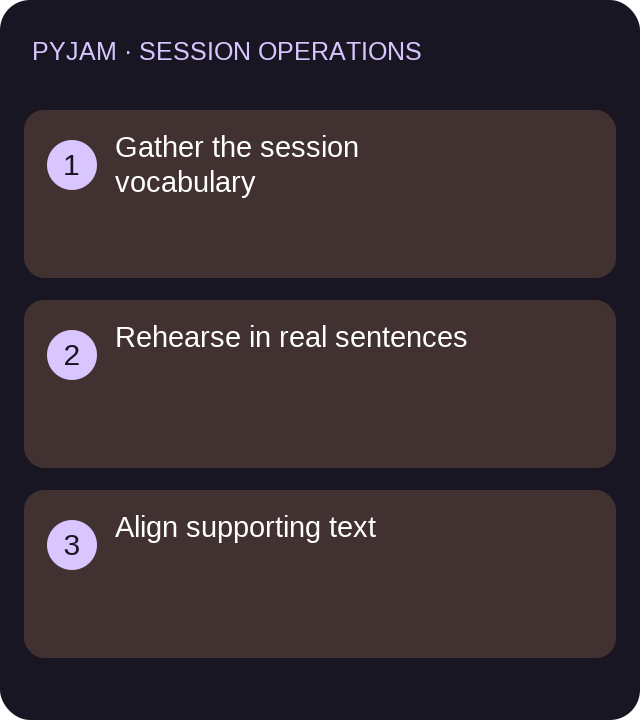
Gather the session vocabulary
List the names, abbreviations and specialist words that appear in the actual running order. Ask an appropriate source for the preferred pronunciation when relevant and record uncertainty. Keep private details out of a public handout. Distinguish how a word is spoken from what it means, because a confident pronunciation does not establish a correct explanation or an accurate claim about the subject.
Rehearse in real sentences
Practice the opening introduction and the sentence in which each difficult term first appears. Avoid rehearsing only a list in isolation; words can become harder when the presenter simultaneously demonstrates an action or reads a number. Use a concise cue that the presenter understands. If a name remains uncertain, agree on an honest introduction rather than silently substituting an invented pronunciation or pretending the uncertainty was resolved.
Align supporting text
Check the spelling used in the script, on-screen labels and any caption-review glossary. Keep those references matched to the current session. A pronunciation aid is an internal production tool unless it also serves the audience. After rehearsal, correct inconsistent cues and remove terms no longer used. Preserve a simple correction phrase so a mistake can be addressed naturally without derailing the rest of the explanation.
Pronunciation brief
Use term, verified spelling, pronunciation source, presenter's cue, sentence context and unresolved question. Example: an abbreviation is spoken differently by the guest; confirm their preference and update the introduction. Record the source rather than presenting a rough phonetic note as a universal rule for every dialect, person or technical community.
Try the check in Pyjam
Open Pyjam’s preparation route and inspect the available setup before choosing to broadcast. Use the rehearsal above to decide what to check; opening the app alone does not start or confirm a public session.
Prepare a Stream in Pyjam