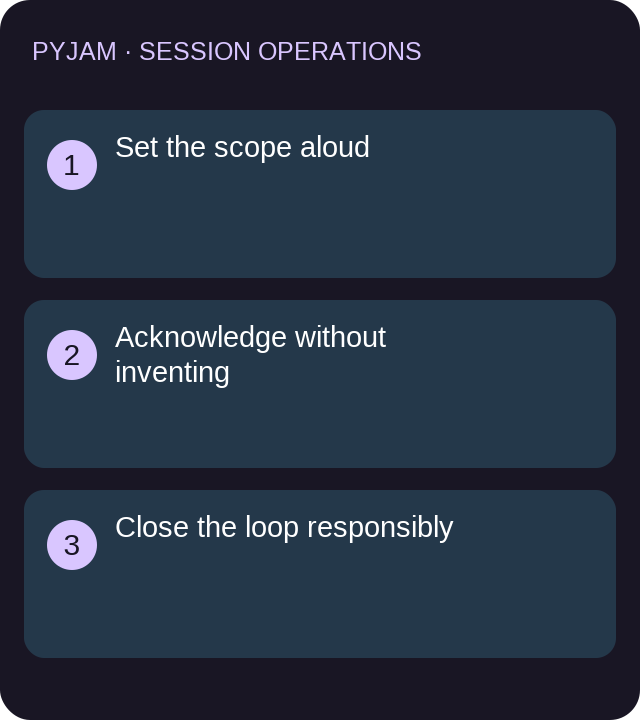
Set the scope aloud
State what the session will cover and what a completed example should help the audience understand. Identify a practical place in your own production notes for questions that need separate research or a different topic. Do not require a particular platform feature to do this. A short written record can support the presenter even when the receiving application offers no dedicated question-queue control.
Acknowledge without inventing
When an unrelated or uncertain question arrives through a supported route, restate the useful part briefly and explain why it needs another step. Avoid repeating sensitive personal details unnecessarily. Record enough context to understand the issue later. If the answer is not established, say what needs checking rather than offering a confident guess simply to keep the interaction moving or imply that every question will receive a response.
Close the loop responsibly
At the recap, distinguish questions answered in the session from those held for follow-up. Choose a realistic next action and appropriate owner for any promised work. Keep a public summary factual and within the session's purpose. A record of a question is not proof that it has been researched, answered or delivered to the person who asked; preserve those states separately in the production notes.
Question follow-up table
Use brief question, relation to session scope, information still needed, proposed next action and actual completion. Example: a viewer asks for a device-specific diagnosis outside the lesson; record the issue without turning the general demonstration into an unsupported personalized recommendation. Review promised work before publishing a recap that says it is resolved.
Try the check in Pyjam
Open Pyjam’s preparation route and inspect the available setup before choosing to broadcast. Use the rehearsal above to decide what to check; opening the app alone does not start or confirm a public session.
Prepare a Stream in Pyjam