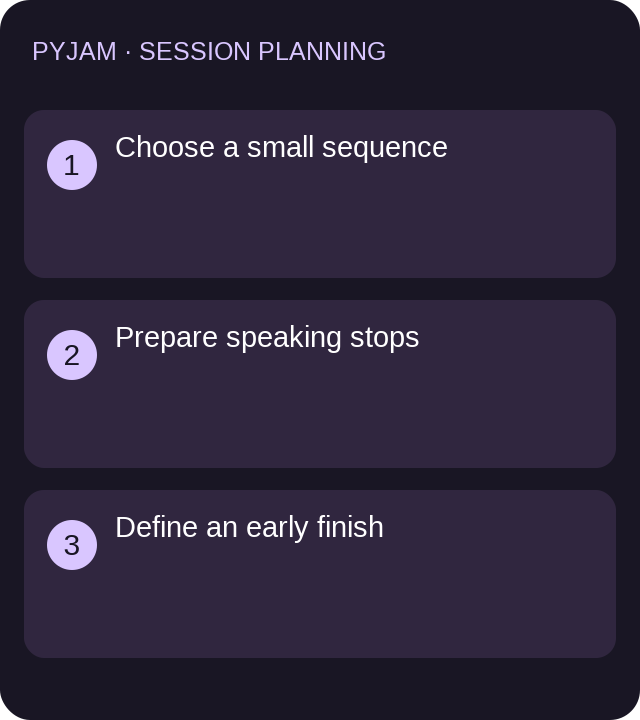
Choose a small sequence
Select a starting scene, a few useful points and a finish. Use places where filming is permitted and stopping does not obstruct others. Do not promise uninterrupted coverage: conditions, access and connectivity change. A compact route gives you more opportunity to explain what you show instead of spending the session moving between scenes with little context.
Prepare speaking stops
Rehearse holding the phone while stationary and putting it aside when full attention is needed. Keep comments and controls for appropriate stops. Avoid revealing a private start or end address. If a stop becomes unsuitable, use an alternative rather than forcing the route. Explain a changed plan briefly so viewers understand why the next view differs from the introduction.
Define an early finish
Prepare a closing for unsuitable weather, surroundings or connection. State what you showed and omitted. A clear shortened session is better than continuing distractedly. Test the opening from a stationary position before attempting the full route. Judge whether a listener understands the location's visible context without assuming a map marker proves current conditions or continuous access.
Try the check in Pyjam
Open Pyjam’s preparation route and inspect the available setup before choosing to broadcast. Use the rehearsal above to decide what to check; opening the app alone does not start or confirm a public session.
Prepare a Stream in Pyjam