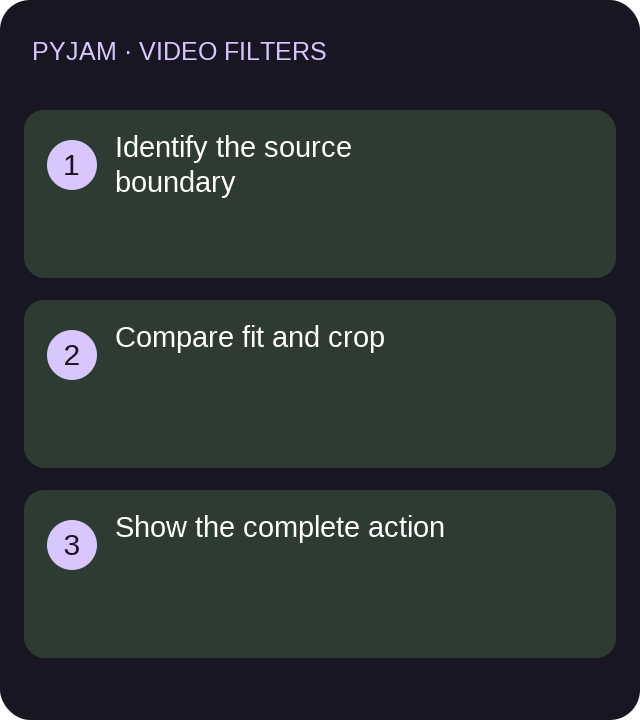
Identify the source boundary
Note the original picture shape and the destination area. Include a round object, face or recognizable diagram in the trial. Inspect what must remain visible before removing borders or filling empty space. The OBS sources guide provides the source context; your task is to decide which information the final composition must preserve. Do not assume unused canvas area is always a defect.
Compare fit and crop
Create a reversible trial rather than replacing the only working arrangement. Compare a fitted picture with a deliberate crop at normal viewing size. Check captions, hands and the result of the action. A crop may be useful when it removes irrelevant margins, but it needs a new boundary check. Avoid stretching a circle into an oval simply to cover a rectangular area.
Show the complete action
Move through the demonstration, including where hands enter and where the finished item is placed. Ask a helper to identify proportions and essential labels. Keep the option that communicates the subject accurately. If neither composition works, rearrange the subject or layout before changing more output settings. Record the accepted framing so the next rehearsal starts from a known boundary rather than a fresh guess.
Framing comparison
Use source dimensions, intended area, fit result, crop result and missing detail. Add a still reference only as a supplement to the moving check. Example acceptance: object proportions preserved and the complete motion stays inside the frame. Keep borders when they serve that purpose; a filled canvas is not the same thing as an informative picture.
Try the check in Pyjam
Open Pyjam’s preparation route and inspect the available setup before choosing to broadcast. Use the rehearsal above to decide what to check; opening the app alone does not start or confirm a public session.
Prepare a Stream in Pyjam