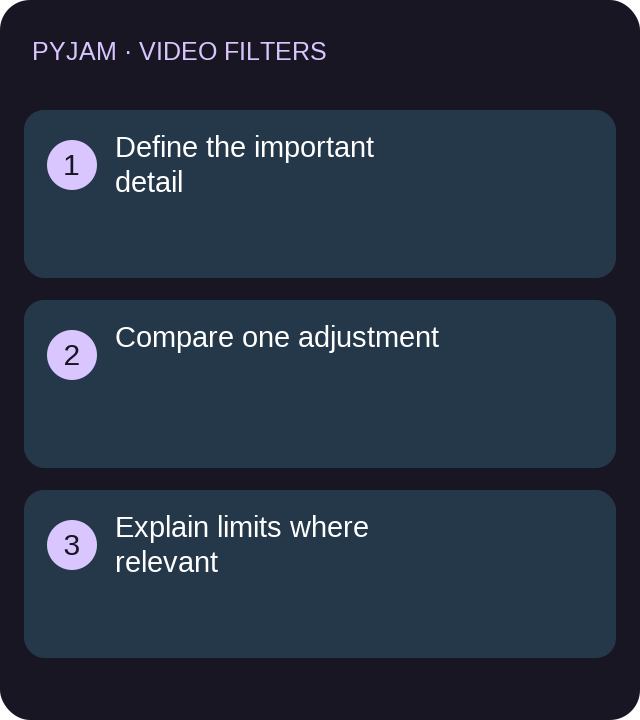
Define the important detail
Place a familiar neutral reference and the actual subject in the shot. Keep light and camera position stable. OBS offers source color correction controls, but a slider cannot establish the real color of an unknown object on every screen. Decide whether the task is clearer separation, legible marks or a more natural face before making a change that simply looks more vivid.
Compare one adjustment
Save the initial scene or note its values. Change one control and record the same action. Inspect bright and dark areas for lost detail rather than judging only the middle of the image. View at ordinary size. A strong contrast change can make a label stand out while hiding a mark in shadow, so check both before accepting the result.
Explain limits where relevant
When exact color matters, describe the distinguishing information in words and provide an appropriate reference. Do not promise that every viewer sees an identical shade. Retain an unchanged comparison for the next setup. If the lighting moves, repeat the test instead of assuming a previously useful correction compensates for a new light source, surface reflection or automatic camera adjustment.
Color review card
Write subject, lighting, reference, changed control and information preserved or lost. Example: dark seam became clearer, bright measurement marks disappeared; revise the trial. Use a test that another person can assess by naming the detail they see. Keep taste and task acceptance separate so a preferred look does not silently replace the purpose of the demonstration.
Try the check in Pyjam
Open Pyjam’s preparation route and inspect the available setup before choosing to broadcast. Use the rehearsal above to decide what to check; opening the app alone does not start or confirm a public session.
Prepare a Stream in Pyjam