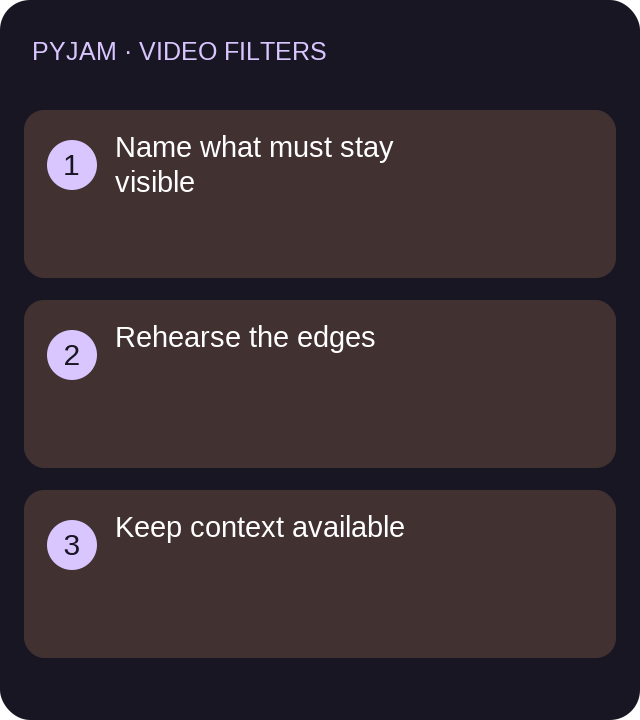
Name what must stay visible
List the face, hands, objects and labels used during the explanation. Keep the unmasked source available. The OBS filter catalogue includes image masking; the practical question is whether the chosen boundary suits this particular action. A portrait shape that works for a still introduction may cut off a raised tool or the gesture that makes an instruction understandable.
Rehearse the edges
Perform the movement at its natural size and speed. Check each side of the mask while looking at the composed recording. Move the subject or revise the boundary one change at a time. A preview checked only at the center is incomplete. Include the moment when an object is picked up, since that often uses a wider area than holding it still.
Keep context available
Use an unmasked view when the audience needs more of the action. Explain a view change and check its return path. Do not let a decorative border take priority over the demonstration. Preserve the mask file and its scene relationship with the working arrangement, so replacing a camera source later does not leave you assuming that the old boundary still fits the new subject.
Mask acceptance
Record source, mask shape, intended movement and clipped detail. Use three checks: introduction, widest gesture and finished result. Example failure: hands visible at rest but the tool disappears during the lift. Keep that observation rather than calling the effect complete. Rehearse with the actual materials and camera position before using the composition for an audience.
Try the check in Pyjam
Open Pyjam’s preparation route and inspect the available setup before choosing to broadcast. Use the rehearsal above to decide what to check; opening the app alone does not start or confirm a public session.
Prepare a Stream in Pyjam