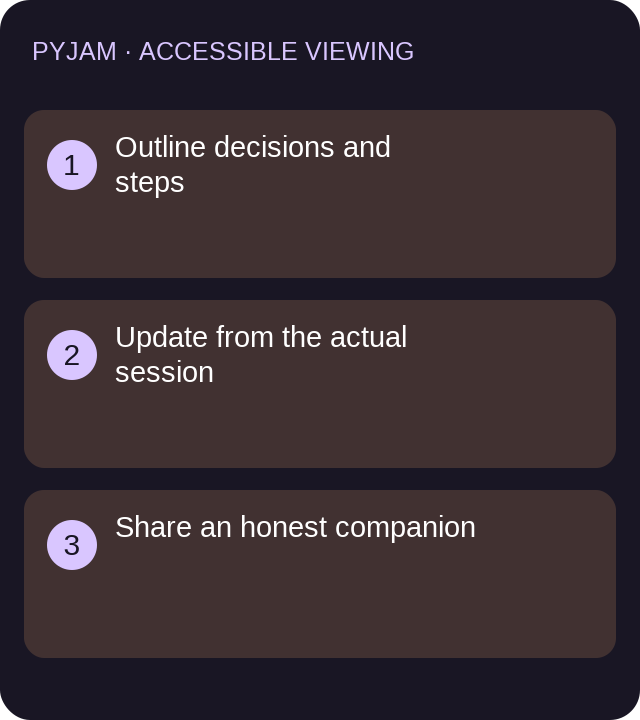
Outline decisions and steps
Prepare headings for the question, demonstration sequence and result. Leave space for corrections and questions that change the explanation. Keep the outline separate from private production notes. If meaning depends on a visual comparison, plan to describe that comparison rather than preserve spoken words alone. An outline should help a later reader reconstruct the important reasoning without guessing what was on screen.
Update from the actual session
Revise the outline afterwards. Remove actions you planned but did not show and distinguish unanswered questions from conclusions. Do not label a recap a complete transcript. If someone helps write, share the public material and intended scope instead of broad account access. Preserve meaningful corrections rather than polishing them away into an account of a session that never happened.
Share an honest companion
Publish through a place you control and link to an available recording if one exists. Say when no replay is offered instead of creating an expectation that viewers can return to it. W3C explains different media alternatives; select a form that fits the audience and name it accurately. Check that the written explanation remains useful when read without the video.
Try the check in Pyjam
Open Pyjam’s preparation route and inspect the available setup before choosing to broadcast. Use the rehearsal above to decide what to check; opening the app alone does not start or confirm a public session.
Prepare a Stream in Pyjam