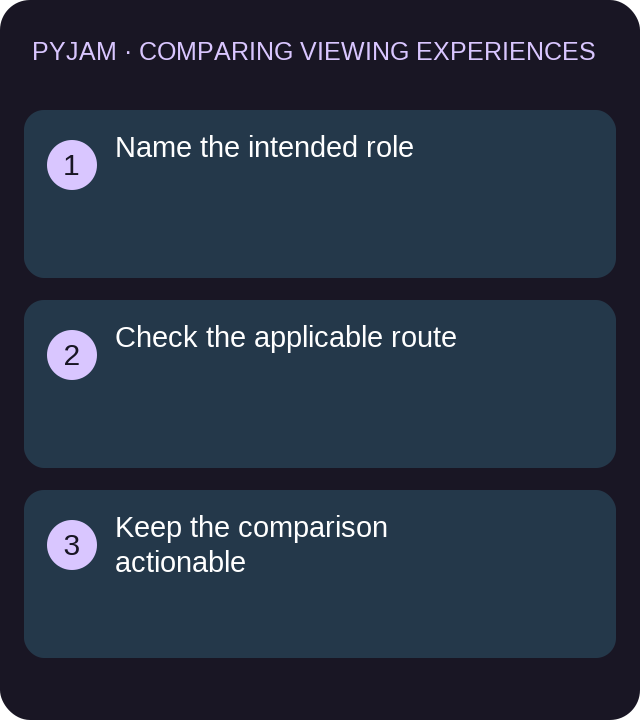
Name the intended role
Write whether the next task is watching a public session, participating in its conversation or starting your own broadcast. Read the relevant official guidance for that role. Keep account age, audience thresholds, device restrictions and programme-specific access conditions attached to the action they describe. Do not apply a creator requirement to every visitor, or infer broadcast eligibility from successfully viewing another person's stream.
Check the applicable route
For a viewer task, inspect the intended programme's normal access boundary. For a creator task, examine the current eligibility explanation and your actual supported preparation route without starting an unintended public session. Requirements can differ between mobile, webcam and encoder workflows. The official YouTube help page describes its own service; another platform requires its own current primary reference. A marketing summary that says easy live streaming is not enough to establish eligibility.
Keep the comparison actionable
Choose a next step that fits the role and available evidence. If a requirement is unclear, leave it unresolved rather than copying a threshold from an old third-party roundup. For Pyjam, opening the preparation route does not prove a broadcast has started or that another platform's conditions apply. Keep successful page access, account eligibility, configured equipment and received audience playback as distinct milestones. This helps visitors compare services without confusing a simple viewing path with creator readiness.
Role requirements sheet
Use platform, intended role, device route, official source, observed access and unmet condition. Example: a public recording plays, while mobile broadcasting has a separate eligibility rule. Record both outcomes in their proper columns. Do not advertise creator access as verified merely because the viewer's player opened successfully.
Try the check in Pyjam
Open Pyjam and choose an available public video. Apply the viewing check above to that item, keeping its live or recorded status in mind. Availability and controls should be checked in the current session.
Explore Live Streams in Pyjam