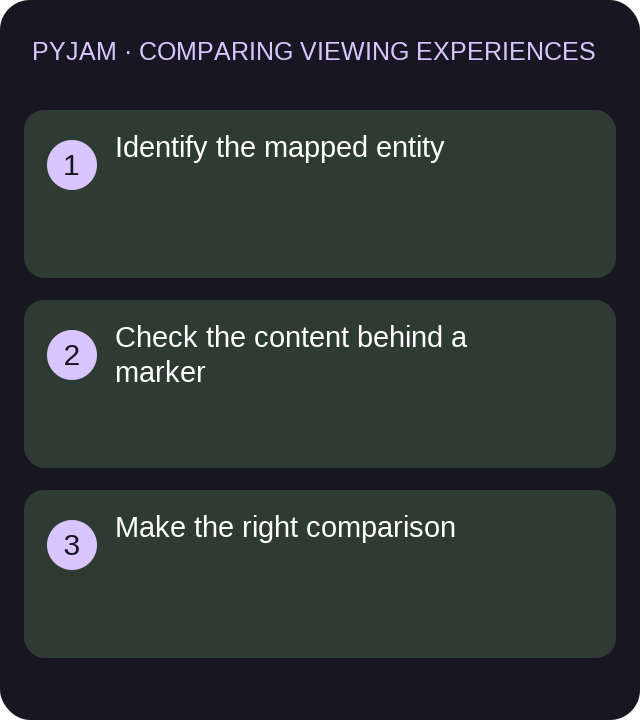
Identify the mapped entity
Inspect the page's own explanation of what its markers or filters represent. A fixed webcam, a mobile creator, a scheduled event and a weather layer can all appear on a map while answering different questions. Record the entity type and any stated update time. Do not infer a person's precise current position from a profile label, a city filter or the centre point of a regional map.
Check the content behind a marker
Open only an ordinary public item that suits your task and inspect whether it provides moving video, a still image, a replay or another data format. Keep the location label separate from evidence of current transmission. An outdoor picture does not establish the date, the camera's exact position or that the creator is still there. Avoid collecting or publishing personal coordinates when the viewing task only requires broad geographic context.
Make the right comparison
Compare services that help you find the same kind of content. A satellite weather map is useful for conditions, while a creator catalogue supports a different discovery task. Pyjam's map guide explains these distinctions; a guide itself is not a functioning interactive map or proof of every marker's behaviour in the application. Record what the actual session exposes, and keep unverified precision, freshness and coverage unknown rather than turning visual similarity into a feature-equivalence claim.
Location meaning table
Use service, represented entity, location source, content format, freshness signal and precision limit. Example: a city label belongs to a creator profile rather than the camera's current position. Keep that distinction in the comparison. A map marker's existence does not establish live footage, exact coordinates or permission to disclose a person's whereabouts.
Try the check in Pyjam
Open Pyjam and choose an available public video. Apply the viewing check above to that item, keeping its live or recorded status in mind. Availability and controls should be checked in the current session.
Explore Live Streams in Pyjam