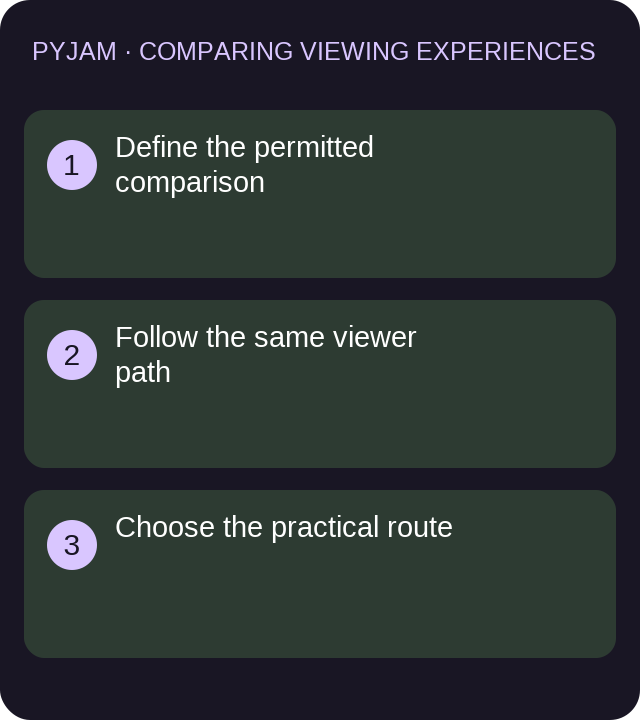
Define the permitted comparison
Choose an identifiable public programme and record the phone, browser and existing app version where relevant. Do not install software, create an account or grant permissions merely to complete a comparison table without appropriate intent. A publisher's app listing can describe supported features, but it does not establish that those features work in your current account, country or selected programme. Keep documented and observed information separate.
Follow the same viewer path
Open the intended item through each supported route you can actually use. Compare navigation effort, intentional playback, readable controls, sound and relevant text support. Note when a browser offers an app-opening link and what the visitor must do next. Do not call the browser route broken solely because it has fewer optional controls. Equally, a successful app launch does not prove the correct programme has opened or that playback has begun.
Choose the practical route
Use the arrangement that completes your task with understandable content and workable controls. W3C's accessible-player guidance helps identify useful receiving features, but it does not validate every app. If a route requires access you do not want to provide, record the boundary. For Pyjam, follow its current offered browser or app path and check the actual destination rather than assuming feature parity. A clear comparison explains the observed differences without declaring one route universally better for every device.
Mobile route comparison
Write programme, route, account state, access prompt, control readability, playback result and untested step. Example: the app opens its home screen while the browser opens the selected programme directly. Record the destination difference and test the next ordinary step only if intended. App launch and successful viewing are separate outcomes.
Try the check in Pyjam
Open Pyjam and choose an available public video. Apply the viewing check above to that item, keeping its live or recorded status in mind. Availability and controls should be checked in the current session.
Explore Live Streams in Pyjam