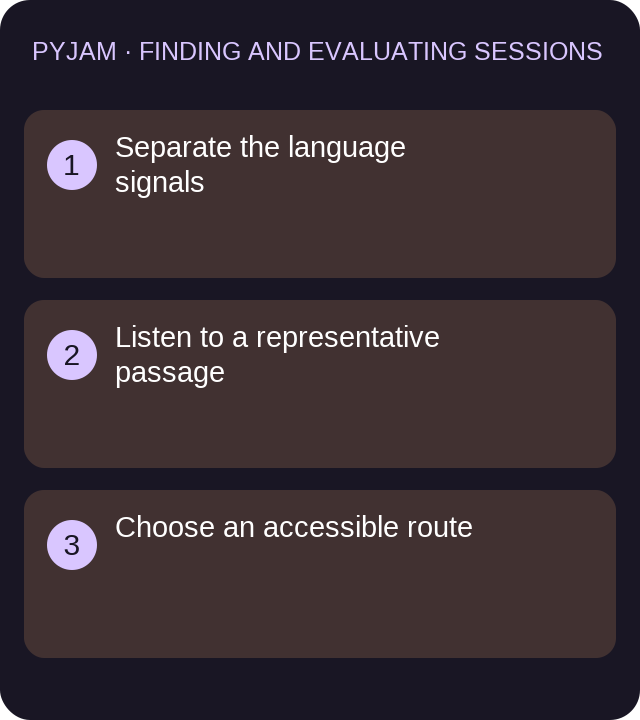
Separate the language signals
Read any creator-supplied language label and distinguish it from the website's menu language, title and available captions. A multilingual title can introduce a programme conducted mainly in one language. Keep these signals separate in your notes. Do not infer the spoken language from the creator's location or name, and do not treat an automated translation of the page as evidence about the sound.
Listen to a representative passage
When a public preview is available, hear enough actual speech to identify whether you can follow the explanation. Include an instructional passage if the programme begins with music or a silent demonstration. Check whether the presenter changes language when answering questions. If the player offers captions, inspect their language and accuracy separately. A caption track can help access but does not change which language the presenter is speaking.
Choose an accessible route
Continue when the actual speech or available text supports your purpose. If it does not, look for a clearly labeled alternative, transcript or another relevant session. W3C explains the role of captions in conveying speech and meaningful sounds, but availability belongs to the individual programme. This check does not establish that Pyjam or any named platform automatically translates every stream. Preserve uncertainty when the preview is too short or contains no useful speech to evaluate.
Language preview note
Use interface language, creator label, heard speech, caption label and understood passage. Example: the English event title leads to a bilingual introduction followed by an explanation you cannot follow. Record that observed pattern rather than labeling the complete platform English-only. Recheck if the creator starts a different programme.
Try the check in Pyjam
Open Pyjam and choose an available public video. Apply the viewing check above to that item, keeping its live or recorded status in mind. Availability and controls should be checked in the current session.
Explore Live Streams in Pyjam