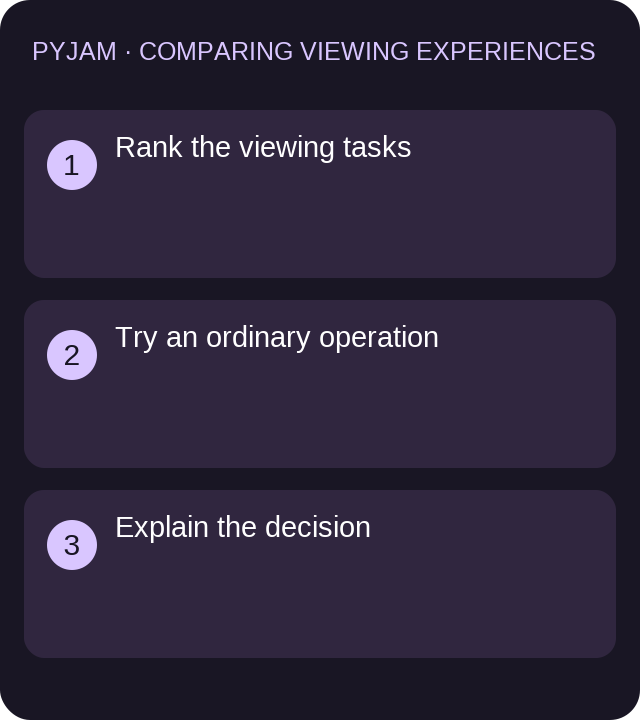
Rank the viewing tasks
Write a short priority list such as clear start and pause, usable sound control, readable text, keyboard access and returning to the intended programme. Distinguish essential controls from optional conveniences. A catalogue's attractive design does not establish that the player supports your way of viewing. Keep the selected device and programme format fixed where possible, since a live room and a recorded lesson may expose different controls on the same service.
Try an ordinary operation
Use each relevant supported control deliberately and inspect the visible result. Check focus and labels where they matter to your access needs. Do not infer keyboard support from an icon or claim a complete accessibility audit from one successful key press. W3C's player guidance provides useful criteria for media access, but actual behaviour still needs checking on the current page. Retain unavailable or untested controls rather than assigning them an invented score.
Explain the decision
Choose the receiving route that completes your priority tasks and state the conditions of the trial. A simpler player may be sufficient for a discussion but unsuitable for repeated inspection of a fine detail. For Pyjam, inspect the offered current controls instead of importing another service's feature list. The comparison should lead a visitor toward an understandable session, while keeping documented capabilities, observed operations and future expectations separate.
Player task matrix
Use priority, service, programme format, available control, observed result and uncertainty. Example: a replay permits seeking but the active live session does not expose the same route. Record the format boundary. Do not describe that difference as a platform-wide failure without checking what the service actually promises for each type of content.
Try the check in Pyjam
Open Pyjam and choose an available public video. Apply the viewing check above to that item, keeping its live or recorded status in mind. Availability and controls should be checked in the current session.
Explore Live Streams in Pyjam