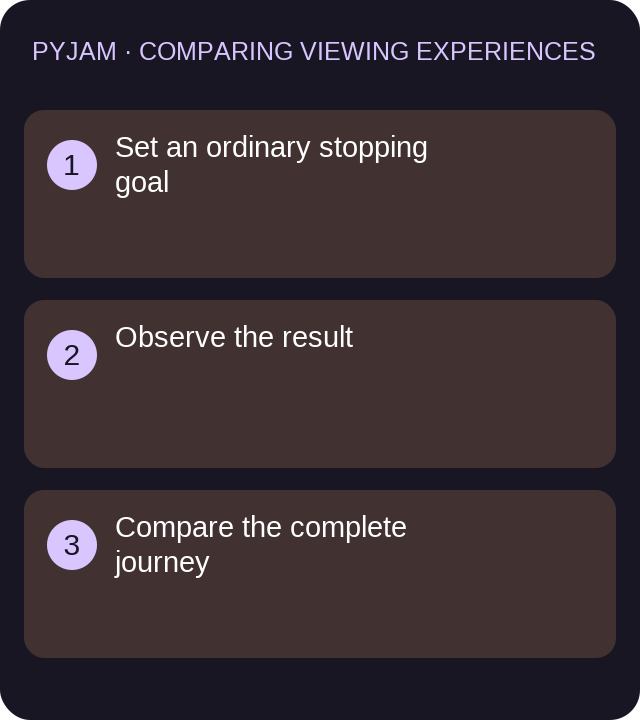
Set an ordinary stopping goal
Choose whether you want to pause briefly, stop playback, return to the catalogue or close the session. Inspect the actual controls and identify the current programme address before leaving. Do not assume a back button stops an already detached floating player or that closing a menu ends the video. Keep any account sign-out separate from an ordinary playback stop; they serve different purposes and can affect later access differently.
Observe the result
Use the intended supported control and check whether sound and movement stop as expected. If returning to a catalogue, note whether the previous item remains available through a clear ordinary route. Avoid changing account or privacy settings merely to test an exit path. A session that resumes automatically may be convenient, but confirm the actual item and live or recorded state rather than assuming it returns to the same moment.
Compare the complete journey
Record what the visitor needs to do from discovery through a deliberate finish. W3C's player guidance supports accessible media controls, but a short trial is not a full certification. When trying Pyjam, use its current available route and verify the observed result. A successful return to a page is not proof of recovered playback position, permanent archive access or a completed viewing goal. Keep those outcomes separate so your comparison reflects the actual visitor task.
Exit and resume worksheet
Use intended stop, chosen control, sound result, return destination, resumed item and time-state check. Example: the catalogue returns while a floating window continues playing. Close that supported view intentionally before declaring playback stopped. The useful result is a controlled ending and an identifiable return route, with untested resume behaviour left unknown.
Try the check in Pyjam
Open Pyjam and choose an available public video. Apply the viewing check above to that item, keeping its live or recorded status in mind. Availability and controls should be checked in the current session.
Explore Live Streams in Pyjam