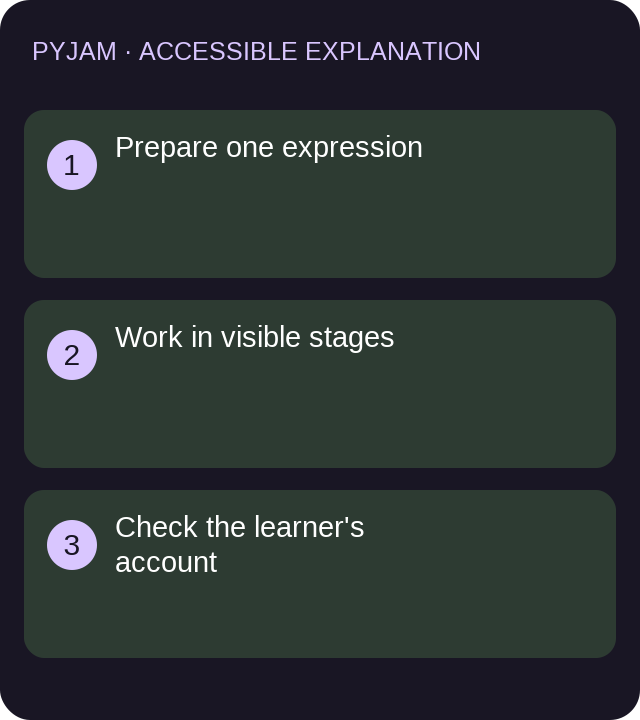
Prepare one expression
Choose an equation you are qualified to explain and verify the mathematics separately. Identify the quantities, relationships and units where applicable. Plan how to say the structure aloud, including grouping that affects meaning. W3C guidance on necessary visual information provides the presentation principle; it does not verify the subject matter. Keep factual review distinct from whether the equation is legible and the explanation is understandable.
Work in visible stages
Show the initial expression, explain one transformation and pause before the next. Name the changed term instead of saying this moves over here. Keep earlier context visible or restate it when switching views. Avoid packing several different transformations into a single rapid action. Rehearse using the exact writing size and camera arrangement rather than a larger sample that conceals the final viewing problem.
Check the learner's account
Ask a helper to describe the operation and identify the relevant grouped terms. Inspect whether the spoken wording and displayed notation agree. Provide an appropriate text form where practical and check its formatting. If the subject requires specialist notation support, use a suitable workflow rather than promising that a general video or automatic transcription route preserves every mathematical relationship correctly.
Equation rehearsal
Record expression, intended meaning, spoken structure, changed term, result and unresolved question. Example acceptance: the listener identifies the denominator and the operation before the next step. Correct a factual error before repeating the presentation test. Keep a still reference or suitable text beside the lesson when it helps viewers revisit a step at their own pace.
Try the check in Pyjam
Open Pyjam’s preparation route and inspect the available setup before choosing to broadcast. Use the rehearsal above to decide what to check; opening the app alone does not start or confirm a public session.
Prepare a Stream in Pyjam