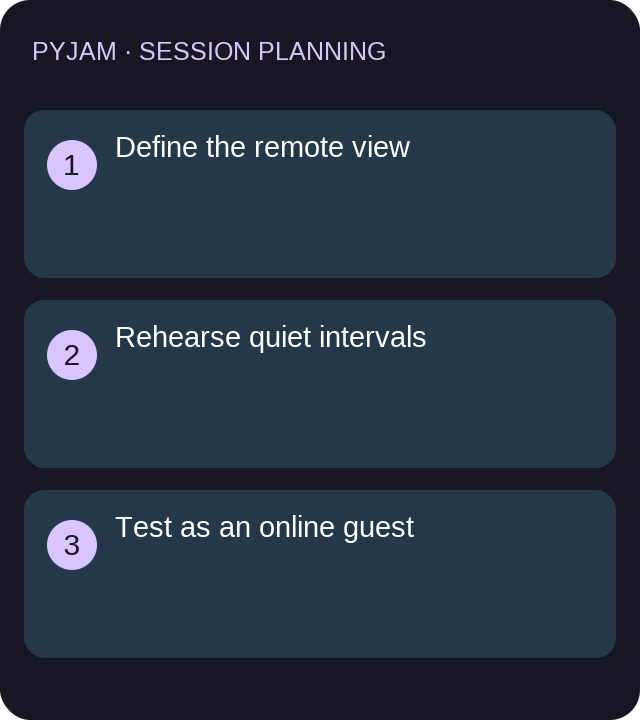
Define the remote view
Choose the activity covered and what stays outside the stream. State whether a host explains transitions or answers questions. Check permissions with those responsible and do not promise access to every participant or area. The invitation should match the view you can provide. A remote audience needs a coherent explanation, not an assumption that being present on camera explains the programme.
Rehearse quiet intervals
Plan picture and sound before the main activity, during pauses and after the end. An unexplained fixed shot can look like a broken session. Give brief schedule updates without broadcasting private preparation to fill time. If a pause becomes longer than expected, explain whether you intend to wait, resume later or finish. Keep that choice separate from the on-site programme.
Test as an online guest
Ask someone outside the room to open the viewing route and explain what they understand. Check audibility, framing and the transition into the activity. Record limitations. Do not promise worldwide access or a replay without verifying the service and session conditions. A rehearsal should include the opening context that makes the event understandable to someone who has never visited the venue.
Try the check in Pyjam
Open Pyjam’s preparation route and inspect the available setup before choosing to broadcast. Use the rehearsal above to decide what to check; opening the app alone does not start or confirm a public session.
Prepare a Stream in Pyjam