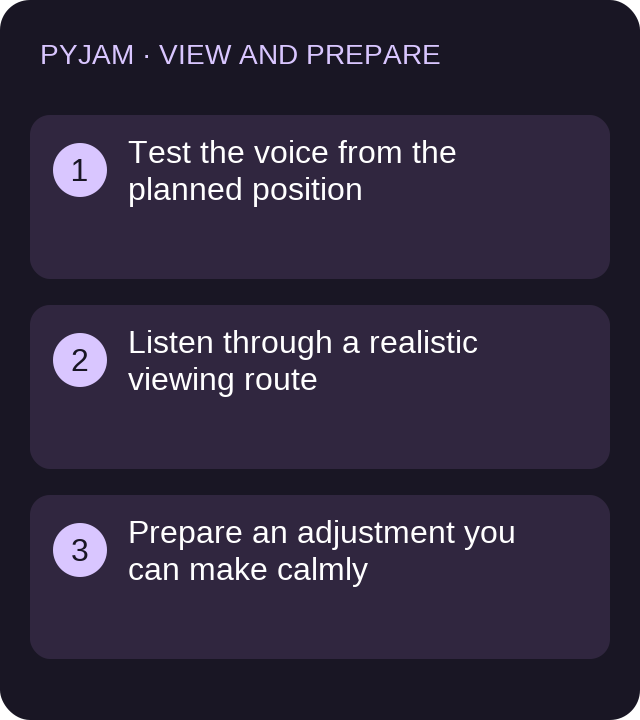
Test the voice from the planned position
Place the phone and microphone where they will be used during the broadcast. Speak a short introduction at the same volume and distance you expect while presenting. If you will turn toward an object, take that movement into the rehearsal. If another person will speak, check their position as well. A test made while holding the phone close to your face may say little about a session filmed from across a table. Note which part of the explanation becomes difficult to hear and change the physical arrangement before adding more complicated equipment.
Listen through a realistic viewing route
Use a local recording or a platform-supported rehearsal appropriate to your setup. Listen rather than relying only on a moving level meter. Notice whether a fan, traffic, echo, or background music competes with speech. If testing an actual supported viewer route with a helper, agree on one simple question: can the listener repeat the main point without asking you to say it again? Keep the check focused on intelligibility rather than on achieving a particular numerical level copied from another device. A single successful test does not guarantee that a changing environment will remain equally quiet.
Prepare an adjustment you can make calmly
Choose one practical fallback before the session, such as moving to the quieter position you already checked or pausing the explanation while a noisy activity passes. Avoid changing several unfamiliar settings while trying to speak live. In Pyjam, review the creator-area requirements and the first-stream checklist before the broadcast; opening that area is preparation, not the start of transmission. Recheck the microphone arrangement if you change the camera position. During the session, respond to clear viewer feedback about sound when that feedback route is available. Afterward, record the distance and position that worked so your next rehearsal begins with evidence from the same setup rather than another person's equipment recipe.