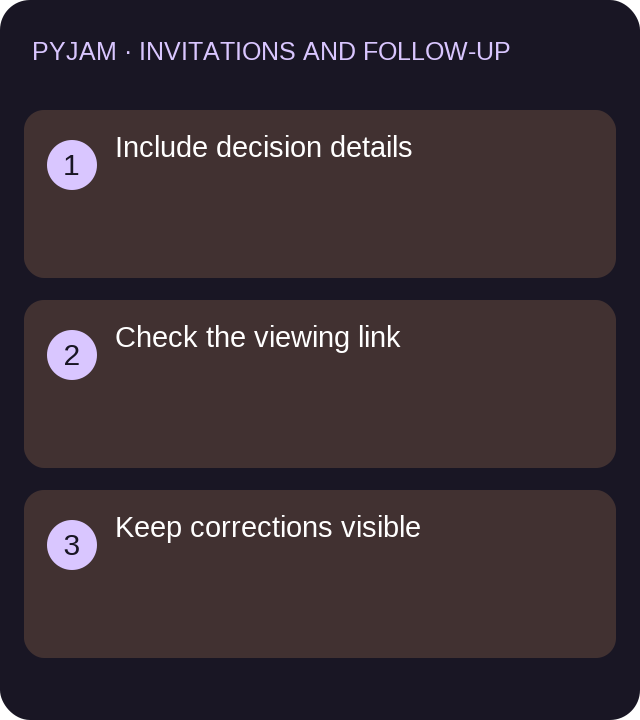
Include decision details
State the topic, intended audience and start time. Use a date and time zone instead of tonight when people may read later. Say whether viewers simply watch or prepare materials. Do not claim everyone can access the session without checking the route. A concrete promise such as showing one technique is more useful than suggesting the session answers every question about a broad subject.
Check the viewing link
Open the exact address you intend to include and inspect what a viewer encounters. A setup page is not necessarily a viewing page. If an event page is not ready, explain the destination rather than suggesting video already plays. Keep account and production links out. Ask a helper to confirm the invitation leads to the intended content without needing your creator-side context.
Keep corrections visible
If time or topic changes, issue a clear correction through the authorised channel used for the invitation. Avoid contradictory start times. Offer an honest description of the value instead of guaranteeing a result. This guide supplies a writing checklist, not automatic messaging. Before sending, compare the date, time zone, topic and link against the current running order one final time.
Try the check in Pyjam
Open Pyjam’s preparation route and inspect the available setup before choosing to broadcast. Use the rehearsal above to decide what to check; opening the app alone does not start or confirm a public session.
Prepare a Stream in Pyjam