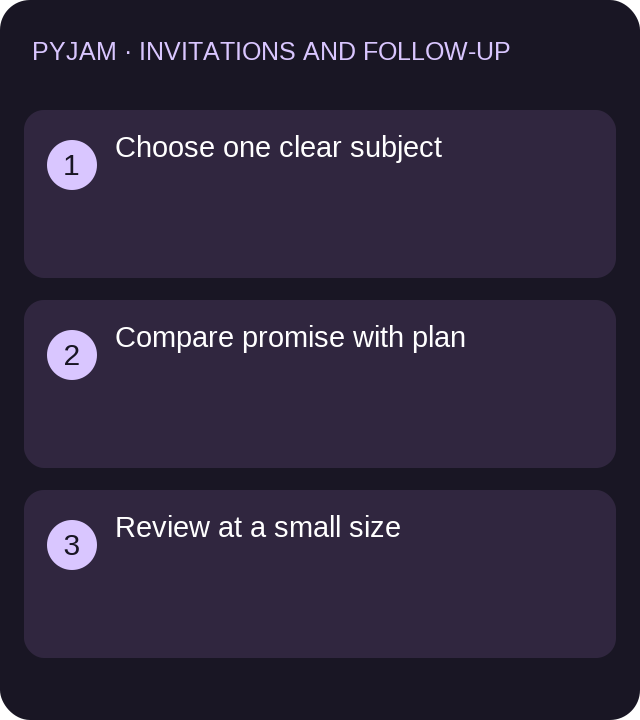
Choose one clear subject
Use a relevant object, activity or presenter. Remove details that disappear at reduced size. Keep any words short and readable. Do not present an editorial illustration as a frame from an actual broadcast. Select the image according to what the viewer needs to recognise, rather than filling every available space with decoration, badges or competing promises about the session.
Compare promise with plan
Ask what someone expects from the image, then compare that expectation with the running order and camera view. Avoid labels implying a current event, specific place or guaranteed guest when unconfirmed. Title and picture should describe the same session. If a useful visual cannot be shown in the real demonstration, revise the image or the plan rather than relying on an unexplained mismatch.
Review at a small size
Show a compact draft to a helper and ask them to name the topic. Simplify if they notice only decoration or cannot read the words. Use images you are entitled to publish. The goal is an accurate choice, not suggesting a session is live before it starts. Keep the selected image with the matching invitation so later edits do not accidentally reintroduce an old promise.
Try the check in Pyjam
Open Pyjam’s preparation route and inspect the available setup before choosing to broadcast. Use the rehearsal above to decide what to check; opening the app alone does not start or confirm a public session.
Prepare a Stream in Pyjam