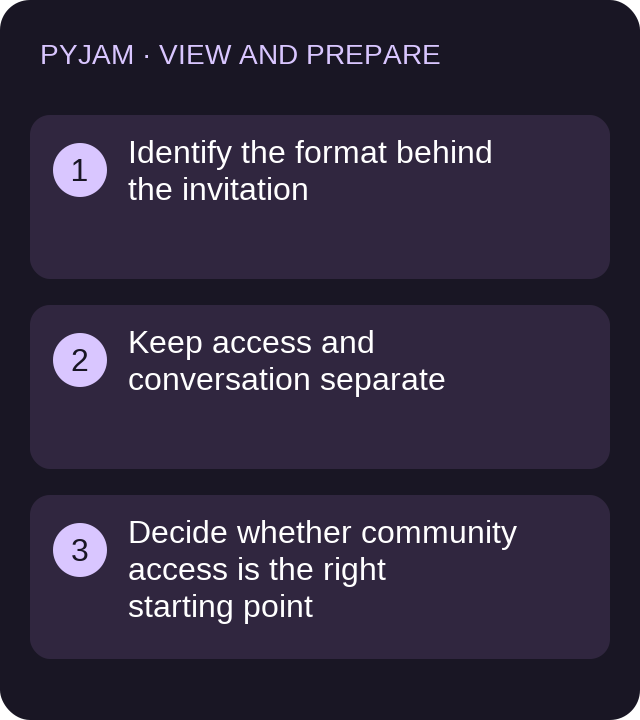
Identify the format behind the invitation
Telegram's Live Stories announcement describes broadcasts in Stories with audience choices inherited from ordinary Stories. It also distinguishes groups and channels that have unlocked Stories. These are useful distinctions when an invitation says only to watch something live on Telegram. Ask the host whether to open a Story, a group, or a channel, and keep the exact viewing instruction with the start time. Searching the same topic elsewhere in Telegram may lead to a different community with a different purpose, rather than to the event you were invited to join.
Keep access and conversation separate
Before the session begins, check that the intended account can reach the hosting context. Do not assume that following a channel, receiving a forwarded link, and being included in a Story audience are equivalent. Once the video opens, look at the available conversation controls without interpreting a missing control as a video failure. Some people want only to listen, while others expect to ask questions. Make that expectation explicit when choosing a format. If the organiser uses additional production software, the sending setup is another layer; it does not replace the need for a clear viewer instruction.
Decide whether community access is the right starting point
Telegram can be a familiar destination for people already gathered in a group or channel. That differs from starting with a map to look for a public video connected to a place. For the second task, explore the videos currently available in Pyjam and check their status and language. Do not forward private community material into a public context simply to demonstrate a comparison. Instead, compare the steps needed for an ordinary intended viewer to find and understand each session. A useful test ends with a clear answer about audience fit, not an assumption that subscriptions, contacts, or comments will move between the services.