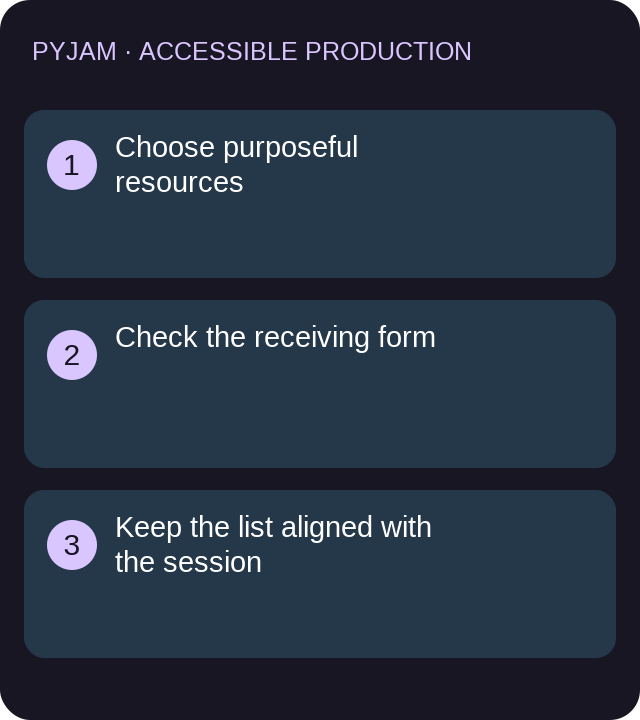
Choose purposeful resources
List the references that directly support the lesson and give each a clear descriptive name. State what a viewer will find, such as the exercise sheet, source documentation or corrected text summary. Check the actual destination rather than copying an address from an old running order. Keep private rehearsal documents and unrelated account routes out of the audience's resource list.
Check the receiving form
Open the intended resource presentation and inspect its reading order and link names. Use available keyboard controls to reach the important items in a normal test. Verify the destination and any known access requirements. A resource that works for the owner while signed in may not be available to the intended audience, so distinguish a public reference from a restricted document and provide an appropriate explanation.
Keep the list aligned with the session
After a material change to the lesson, recheck the relevant references and names. Put a clear correction beside an outdated item when necessary. Do not use a broad platform homepage as if it were the exact worksheet viewers were promised. Keep the most useful follow-up easy to identify without making the audience compare several nearly identical filenames or guess which version the presenter used.
Resource handoff table
Use descriptive label, purpose, exact destination, expected access and verification date. Example: Exercise sheet opens the general project folder rather than the actual activity; correct the reference before sharing. Keep the tested list with the session plan. A checked resource list supports follow-up but does not prove that viewers opened or completed the activity.
Try the check in Pyjam
Open Pyjam’s preparation route and inspect the available setup before choosing to broadcast. Use the rehearsal above to decide what to check; opening the app alone does not start or confirm a public session.
Prepare a Stream in Pyjam