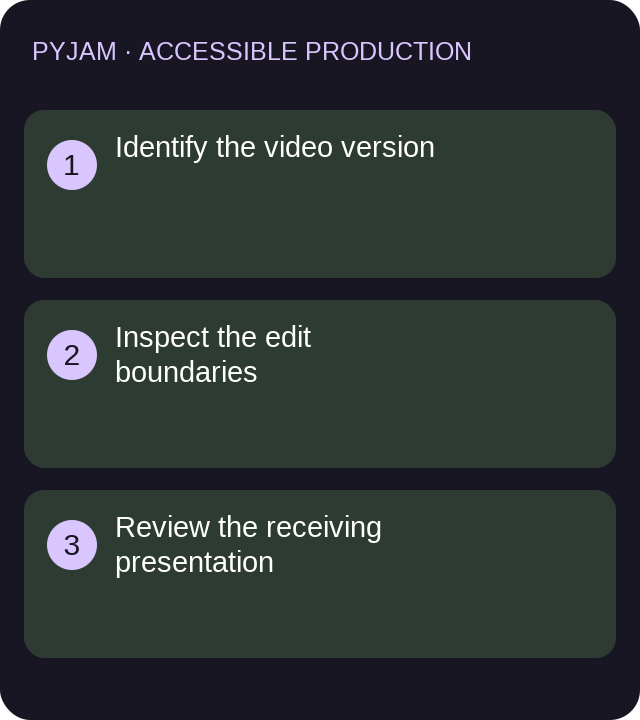
Identify the video version
Name the edited file and the caption copy that will accompany it. List the places where material was removed, inserted or reordered. Keep the earlier versions distinguishable. Captions are synchronized text, so timing acceptance belongs to a particular video version. An accurate transcript or a correct earlier caption file does not establish synchronization with the revised edit.
Inspect the edit boundaries
Play a little before each change, through the changed passage and into the next complete exchange. Check when the relevant line appears and disappears relative to speech. Include the beginning and ending of the replay as useful anchors. Avoid judging only a still frame; a caption can be correct at one instant while appearing too early for the rest of its display interval.
Review the receiving presentation
After preparing the revised caption file through your chosen supported workflow, check it with the actual edited video in the receiving player. Inspect any track-selection controls and confirm that the intended language is the one you reviewed. Keep a correction log for another reviewer. This process does not promise that any particular Pyjam route accepts uploaded captions or exposes the same player controls.
Timing review record
Use video version, edit location, expected spoken phrase, observed display interval and correction result. Example: captions match before a removed pause but remain delayed afterward. Correct the affected timing and inspect the next anchor too. Do not declare the entire replay synchronized from one successful opening line.
Try the check in Pyjam
Open Pyjam’s preparation route and inspect the available setup before choosing to broadcast. Use the rehearsal above to decide what to check; opening the app alone does not start or confirm a public session.
Prepare a Stream in Pyjam