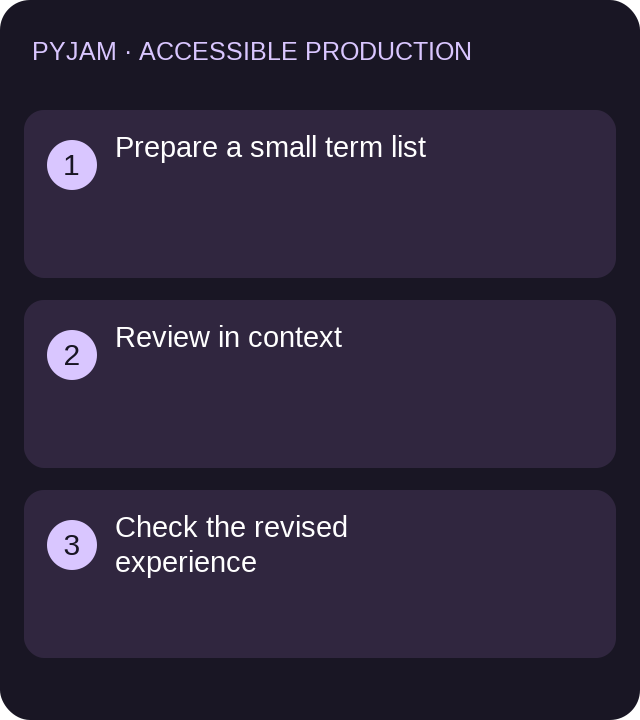
Prepare a small term list
Write the unusual product names, abbreviations, measurements and specialist words the speaker will use. Include the intended spelling and meaning. Check the reference with someone who understands the subject when needed. Captions convey speech and meaningful sound, but an automatically produced line still needs review. A glossary helps identify likely errors; it is not evidence that the captions already contain the correct language.
Review in context
Compare the caption text with the recording around each important term. Check numbers, negation and similar-sounding words as well as spelling. Correct the intended content without rewriting the speaker into a different claim. If the audio is genuinely uncertain, resolve that uncertainty rather than inventing a plausible technical statement. Record the time and proposed correction so another reviewer can find the same moment.
Check the revised experience
Play the relevant section with the corrected captions through the intended receiving workflow where such captions are supported. Verify that the correction belongs to the right moment and has not created a new reading problem. Keep the reviewed text associated with the correct video version. This preparation process does not establish that Pyjam supplies caption editing or automatic captioning in a particular session.
Term correction log
Use timestamp, spoken context, original caption, checked term, proposed correction and reviewer result. Example: a measurement unit is misheard and reverses the scale of an instruction. Verify the unit from the actual explanation before approving the line. Keep unresolved audio clearly marked instead of allowing a confident-looking caption to conceal uncertainty.
Try the check in Pyjam
Open Pyjam’s preparation route and inspect the available setup before choosing to broadcast. Use the rehearsal above to decide what to check; opening the app alone does not start or confirm a public session.
Prepare a Stream in Pyjam