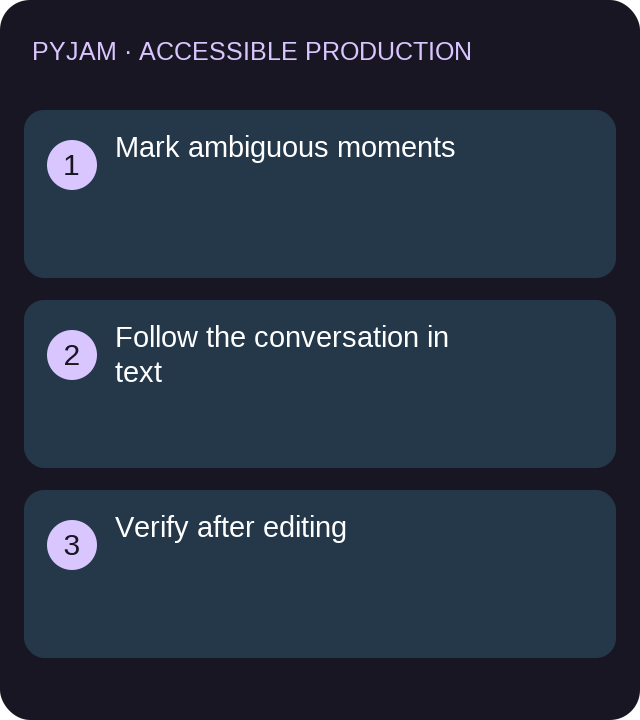
Mark ambiguous moments
Choose a short multi-speaker passage and identify off-camera speech, quick interruptions and a camera view that stays on the listener. Note how the caption convention used by your project represents a speaker change. Keep labels concise and meaningful to the audience. Do not infer a real name from appearance or a voice when the recording and approved production information do not establish it.
Follow the conversation in text
Review the captioned passage while paying attention to each turn. Ask whether a person reading the captions can tell which speaker asks a question, answers it or makes a correction. Check that a label does not accidentally attach a statement to the previous speaker. Use the project's consistent convention and add identification only where it helps understanding rather than repeating unnecessary text on every line.
Verify after editing
When the video sequence changes, inspect the changeovers again. A caption line that matched the earlier edit may now appear over another speaker. Keep meaningful non-speech information where it contributes to the exchange. Test the revised passage with the intended video copy. A single checked interview segment is a rehearsal result, not proof that an entire panel recording has been captioned accurately or completely.
Speaker review sheet
List timestamp, visible speaker, audible speaker, caption label and required correction. Example: an off-camera question is assigned to the person listening on screen. Correct the attribution using verified session information, then inspect the next response. Keep uncertainty explicit when a speaker cannot be established from the available material.
Try the check in Pyjam
Open Pyjam’s preparation route and inspect the available setup before choosing to broadcast. Use the rehearsal above to decide what to check; opening the app alone does not start or confirm a public session.
Prepare a Stream in Pyjam