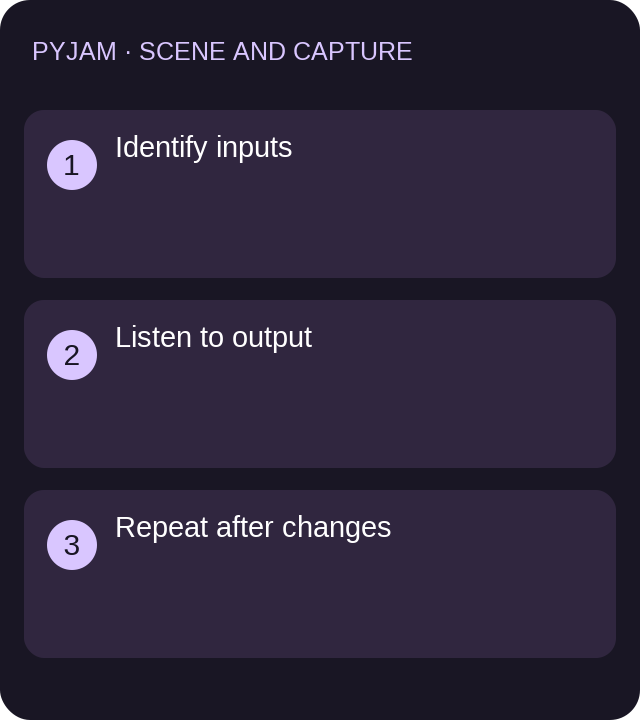
Identify inputs
Speak, pause and make the ordinary demonstration sound. Observe the responding source. OBS's quick-start guide uses mixer meters to check activity. Movement warrants investigation, not automatic acceptance. Label microphone and other intended inputs. A meter can reveal that something arrived without proving the correct source, intelligibility or the complete composed mix reached the audience.
Listen to output
Record using the actual accessories. Check missing speech, duplicates, handling noise and unexpected desktop sound. Do not raise several levels because one line appears small. Change one source and repeat the phrase through the same output at comfortable volume. Keep the starting arrangement in notes so the effect of connecting an accessory can be compared rather than guessed.
Repeat after changes
Record the working input and activity. Recheck when accessories change. Viewer playback remains a separate stage during deliberate transmission. If input selection is unclear, follow official guidance instead of guessing before a session. Keep an understandable spoken test even when the scene itself is normally quiet, so a silent interval does not conceal an untested audio path.
Audio card
Write expected input, moving meter, phrase heard, unwanted sound and change. Example acceptance: one clear voice without a desktop alert. Exclude private device identifiers from shared notes and connect the visual indication to the actual listening result.
Try the check in Pyjam
Open Pyjam’s preparation route and inspect the available setup before choosing to broadcast. Use the rehearsal above to decide what to check; opening the app alone does not start or confirm a public session.
Prepare a Stream in Pyjam