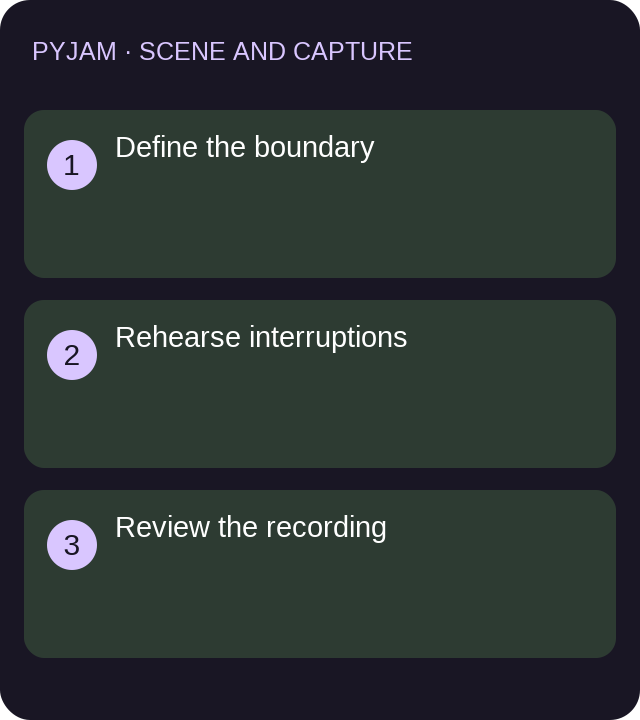
Define the boundary
One application may suffice instead of the whole desktop. Consult source documentation for your operating system. OBS documents display and window-related choices with platform differences. Record the exact source. A familiar name does not mean identical behaviour everywhere, and a good initial preview says little about dialogs opened later during a working demonstration.
Rehearse interruptions
Open the required menus using sample content. Switch away and back as planned. Inspect whether the source stays correct, goes blank or reveals other material. Close unrelated windows first. Check each necessary dialog rather than assuming a crop settles every case. Keep the test free of sensitive work so an unexpected capture does not become a disclosure.
Review the recording
Inspect edges, pop-ups and transitions. If the task cannot be shown clearly, use a simpler prepared example. Note the operating system and application. Repeat the boundary check after meaningful changes instead of trusting an old screenshot. Keep a fallback view available and explain a capture interruption rather than displaying unverified windows while trying to recover.
Capture decision sheet
Write material, source type, menu tested, switch result, excluded information and fallback. Ask whether the demonstration is understandable with only intended material visible. Keep preview, recording and viewer results distinct when checking the final route.
Try the check in Pyjam
Open Pyjam’s preparation route and inspect the available setup before choosing to broadcast. Use the rehearsal above to decide what to check; opening the app alone does not start or confirm a public session.
Prepare a Stream in Pyjam