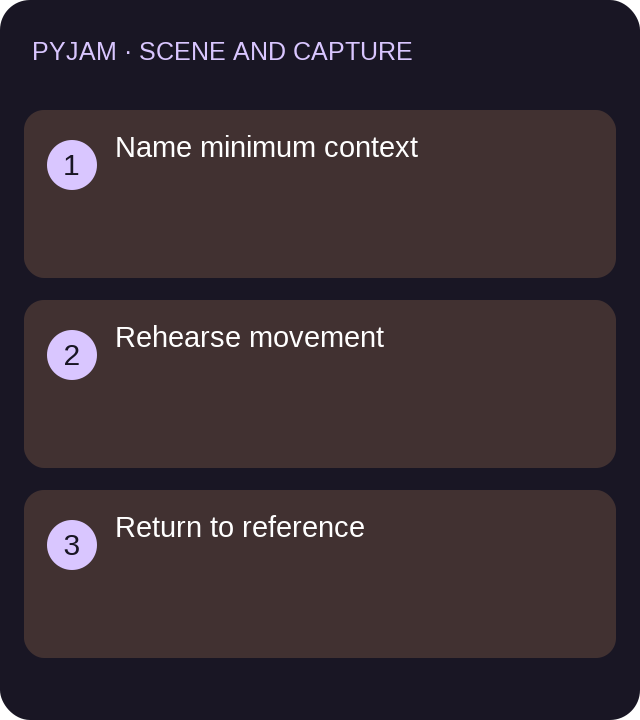
Name minimum context
Identify subject, action and reference. A folded corner may need the whole sheet shown first. Plan a wide and detail view with orientation cues in both. Magnification cannot fix a viewer's uncertainty about which part they are seeing. Decide what each view teaches before adjusting the picture so the crop serves understanding rather than appearance alone.
Rehearse movement
Perform the step at natural pace. Inspect hand entry and the finished object's exit. A stationary test is insufficient. Follow your tool's sizing guidance and preserve original placement. Keep the camera steady while judging a crop change. Test the real materials, since a small rehearsal object may stay within an area the final object cannot use comfortably.
Return to reference
Show the result in the whole object. Ask a helper where the change occurred. Widen or explain again if unclear. Keep the successful detail position for another example. A useful crop reduces uncertainty rather than making the audience reconstruct missing relationships. Return deliberately instead of assuming viewers remember a wide view shown much earlier in the session.
Three-view plan
Write whole object, close detail and finished result. Name one fact learned from each. Remove a view only if the sequence remains understandable. Keep essential detail clear of captions and playback controls in the tested viewing arrangement.
Try the check in Pyjam
Open Pyjam’s preparation route and inspect the available setup before choosing to broadcast. Use the rehearsal above to decide what to check; opening the app alone does not start or confirm a public session.
Prepare a Stream in Pyjam