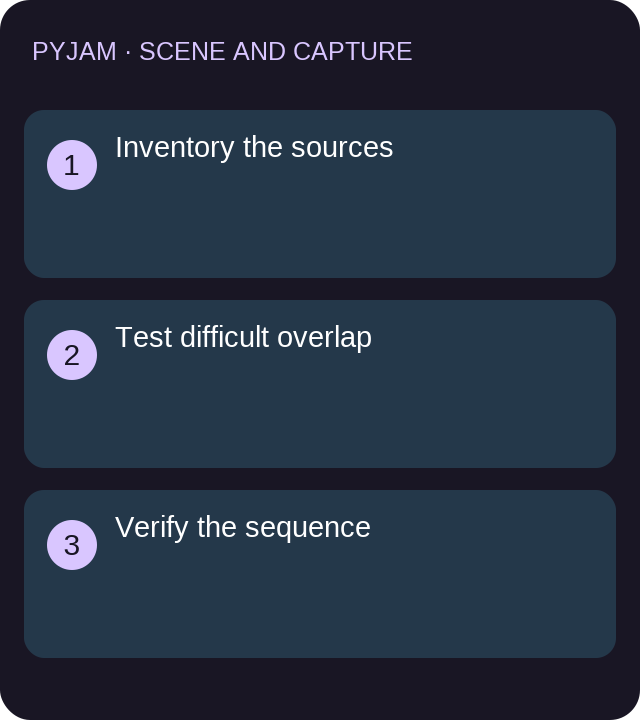
Inventory the sources
Identify picture, text and decoration for one scene. OBS's sources guide describes ordering and visibility. Use names that distinguish camera, background and label. A source can exist in the list while its detail is covered in output. Check the composed picture, not merely the presence of each item, before concluding the scene is complete.
Test difficult overlap
Use the longest title, widest object and expected hand movement. Inspect every edge. Change order, scale or placement one at a time and repeat the same sample. Keep decoration outside the explanation area. A layout that fits a short placeholder can fail with the actual wording, so rehearse the most demanding version rather than the neatest sample.
Verify the sequence
Record opening, demonstration and return. Check whether the subject stays identifiable and text is readable from an ordinary viewer-sized window. Keep a simple alternative for unexpected material. Do not improvise overlapping sources during an important explanation. Preserve the verified arrangement with its tested title and object so later changes have a clear reference.
Layer checklist
List source, purpose, permitted overlap and detail that must remain visible. Test the real long label and wide object. There is no universal order: the audience picture decides whether the arrangement communicates the information.
Try the check in Pyjam
Open Pyjam’s preparation route and inspect the available setup before choosing to broadcast. Use the rehearsal above to decide what to check; opening the app alone does not start or confirm a public session.
Prepare a Stream in Pyjam