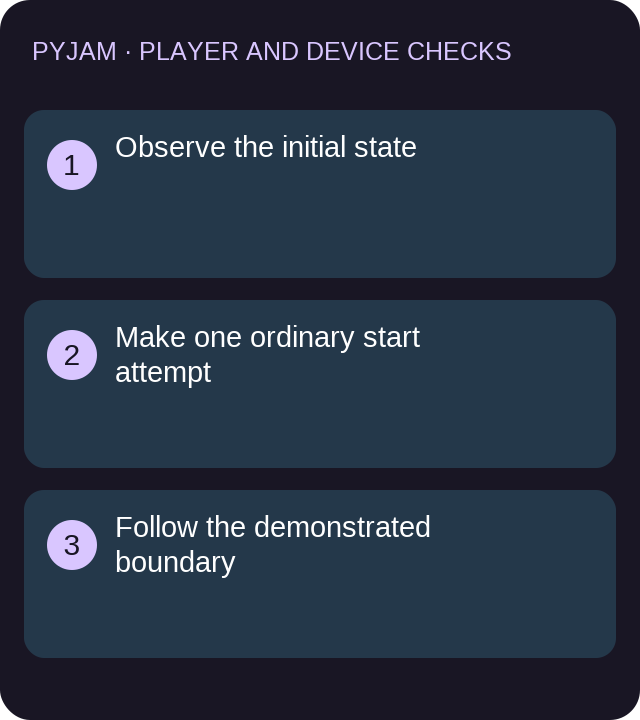
Observe the initial state
Read the visible player message before changing settings. Note whether there is a play button, a muted indicator, an unavailable item or an explicit error. A still preview alone does not establish a failed live connection. Some pages wait for an intentional interaction. Keep the page address and video title together so a later check uses the same item, rather than a different broadcast that happens to have a similar cover image.
Make one ordinary start attempt
Use the visible play control when appropriate and observe what changes. Check the player's sound control separately from the device volume. If the picture begins after that action, record an interaction requirement rather than a network repair. If an error appears, retain its wording and the time. Avoid rapidly reloading, opening several copies or changing browser-wide security settings, because these actions make the original condition harder to explain.
Follow the demonstrated boundary
Compare one other permitted item in the same service only when you need to distinguish an item problem from a broader playback issue. Official YouTube troubleshooting is specific to its service; it does not prove that another platform uses the same controls. Keep access restrictions intact and use the publisher's supported help route for an unavailable programme. A successful start establishes playback for this session, not automatic starting in every future browser state.
Start-state note
Use original message, intentional control, resulting picture, sound and remaining error. Example: the preview was motionless until Play, then speech and movement appeared normally. That observation supports a manual-start route. It does not establish that autoplay has been permanently enabled or that a subscription restriction was removed.
Try the check in Pyjam
Open Pyjam and choose an available public video. Apply the viewing check above to that item, keeping its live or recorded status in mind. Availability and controls should be checked in the current session.
Explore Live Streams in Pyjam