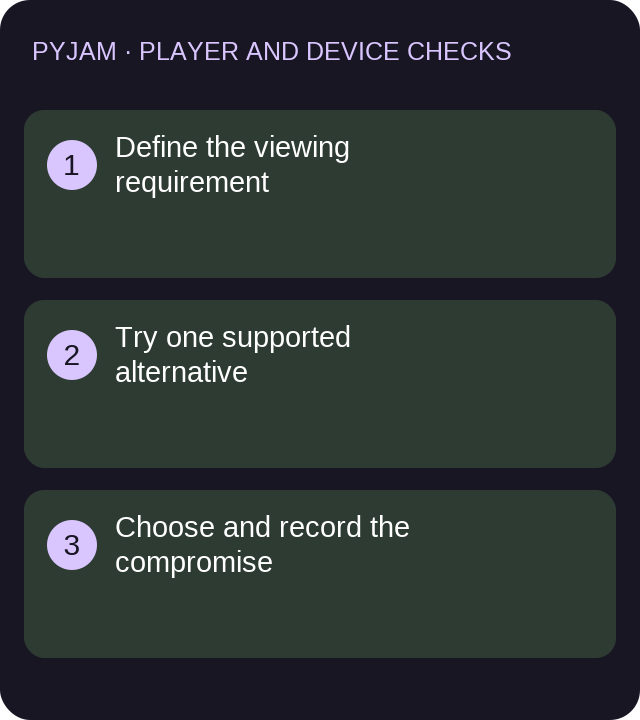
Define the viewing requirement
Choose a moment containing the smallest text or action you need to understand. Note the current player quality indication if available, the display size and whether the programme is live or recorded. Automatic selection may respond to the receiving conditions. Treat the available menu as evidence for this item; an option seen on another stream is not proof that the current creator has supplied the same rendition.
Try one supported alternative
If the player offers a manual choice, change one quality setting and observe the same kind of detail. With a replay, return to the same moment when permitted. With a live broadcast, acknowledge that motion and content have changed between observations. Watch for interruptions as well as sharpness. Increasing resolution is not helpful when the words become clearer for a moment but the demonstration repeatedly stops before the important action finishes.
Choose and record the compromise
Keep the option that makes the material understandable within the conditions you observed. A lower setting may suit a spoken discussion while a detailed screen lesson needs more readable labels. YouTube's quality guidance applies to its controls; Pyjam and other services may expose different choices. Do not promise that selecting a number reduces data to a fixed amount or cures an upstream production problem. Return to automatic selection if the manual trial makes playback less useful.
Quality comparison worksheet
Write item, available choices, important detail, interruption pattern and chosen result. Example: the smallest setting plays smoothly but hides a menu label, while the next supported choice remains readable and continuous. Keep this as a session observation rather than a universal recommended setting for every connection or platform.
Try the check in Pyjam
Open Pyjam and choose an available public video. Apply the viewing check above to that item, keeping its live or recorded status in mind. Availability and controls should be checked in the current session.
Explore Live Streams in Pyjam