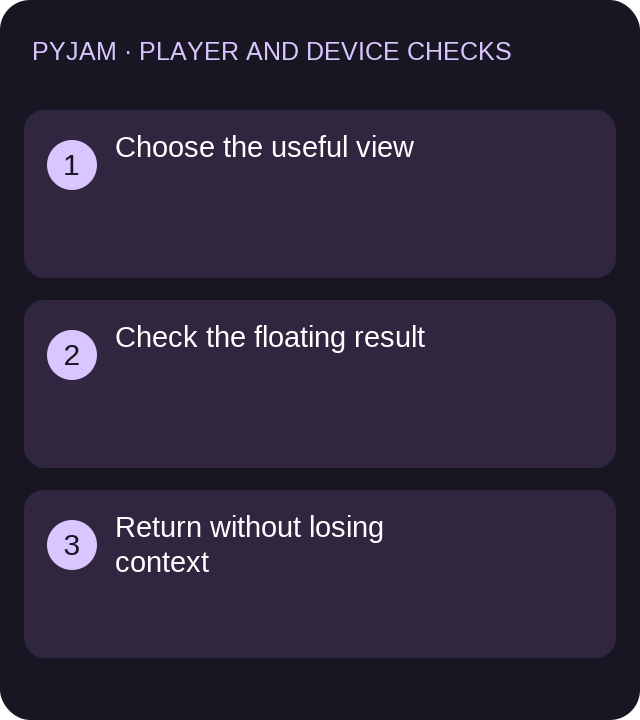
Choose the useful view
Picture-in-picture separates the picture from the surrounding page. Before using it, identify what you need outside the video: captions, a demonstration handout, or the creator's written instructions. Firefox documents its own floating-window feature, but the route and supported controls can differ in another browser. Start with a permitted video that already plays normally. Do not assume the floating window will include the page's conversation, every caption option or the same navigation controls.
Check the floating result
Open the available picture-in-picture control and inspect the result at the size you intend to use. Move it away from the document's important labels. Listen for the same speech and check whether useful captions remain visible. If a diagram is too small, return to the ordinary player rather than accepting an attractive arrangement that hides the lesson. Changing the window size should be evaluated against the content you actually need to understand.
Return without losing context
Keep the original tab identifiable and test how to return to it. Check whether playback remained live, paused or moved behind the current broadcast while you worked. A floating picture does not establish background playback on every device or eligibility for a service's paid features. When the session depends on a precise instruction, prioritize an understandable receiving view over multitasking. Close the floating view normally when finished so sound from an overlooked window does not surprise you later.
Floating-window check card
Record browser, video, useful caption state, smallest readable detail and return route. Example: speech remains clear but the demonstrated menu is unreadable at the chosen size. Use the main player for that step. Recheck after a browser change instead of transferring a successful result to every platform.
Try the check in Pyjam
Open Pyjam and choose an available public video. Apply the viewing check above to that item, keeping its live or recorded status in mind. Availability and controls should be checked in the current session.
Explore Live Streams in Pyjam