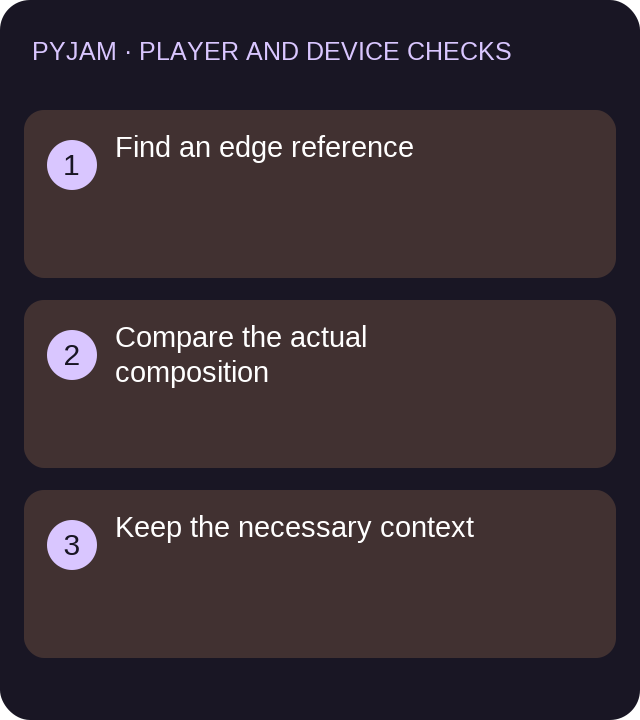
Find an edge reference
Choose visible information near the corners: a slide heading, an object's boundary or a tool label. Compare the ordinary player view with any available fit or fill option. Note whether the entire source picture is visible. Dark borders may reflect the relationship between the source shape and the receiving display. Their presence alone does not establish a defective video or a creator's incorrect camera setting.
Compare the actual composition
Change only a supported viewing option and inspect the reference again. Check all four edges rather than looking only at the central subject. A face can remain visible while a measurement scale disappears. On a phone, compare the useful picture after a normal orientation change if that suits your viewing task. Do not stretch or crop a recording copy and then describe the modified picture as the original broadcast's composition.
Keep the necessary context
Choose the receiving view that preserves the information needed for the lesson. If the creator's transmitted picture itself cuts off the object, a player setting may not recover it. Explain the missing detail when asking for clarification instead of guessing from a partial view. YouTube documents its own aspect-ratio behaviour, but another service's fit controls need checking separately. The goal is an understandable frame, even when that leaves unused space around the image.
Edge inspection sheet
List top, bottom, left and right reference details, selected viewing mode and what disappeared. Example: filling a portrait display removes the leftmost spreadsheet column. Use the fitted view for that demonstration. Recheck the borders when moving from a talking segment to a detailed screen or tabletop view.
Try the check in Pyjam
Open Pyjam and choose an available public video. Apply the viewing check above to that item, keeping its live or recorded status in mind. Availability and controls should be checked in the current session.
Explore Live Streams in Pyjam