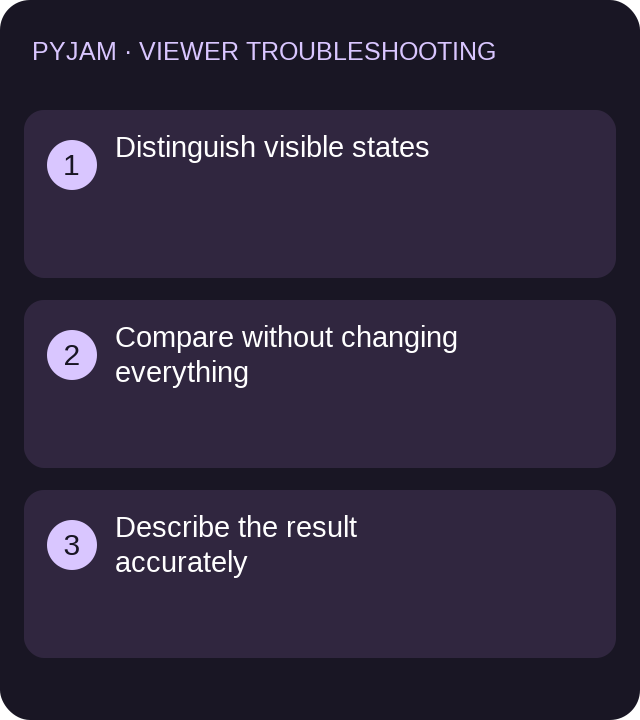
Distinguish visible states
Check for a loading message, an error, audio-only playback or an ended session. These observations raise different questions. If sound continues, note whether the speaker acknowledges a camera change. Do not repeatedly activate controls while the first action is still processing. Write down an error before dismissing it so a later report preserves what the player actually said.
Compare without changing everything
Open another public video using the same browser and connection. If it works, return to the original link and note its current status. If both fail, consult the service's documented browser guidance. Keep security protections in place: a video problem is not a reason to install unknown codecs, disable safeguards or grant unrelated permissions. Use official support when the cause remains unclear.
Describe the result accurately
Report visible error text, the link, device and approximate time. Say whether audio continued and whether another video played. Avoid calling a stream deleted because its picture was black once. Choose another available item if needed, then return when the creator or support supplies a clearer explanation. Keep observed facts distinct from your suggested technical explanation.
Try the check in Pyjam
Open Pyjam and choose an available public video. Apply the viewing check above to that item, keeping its live or recorded status in mind. Availability and controls should be checked in the current session.
Explore Live Streams in Pyjam