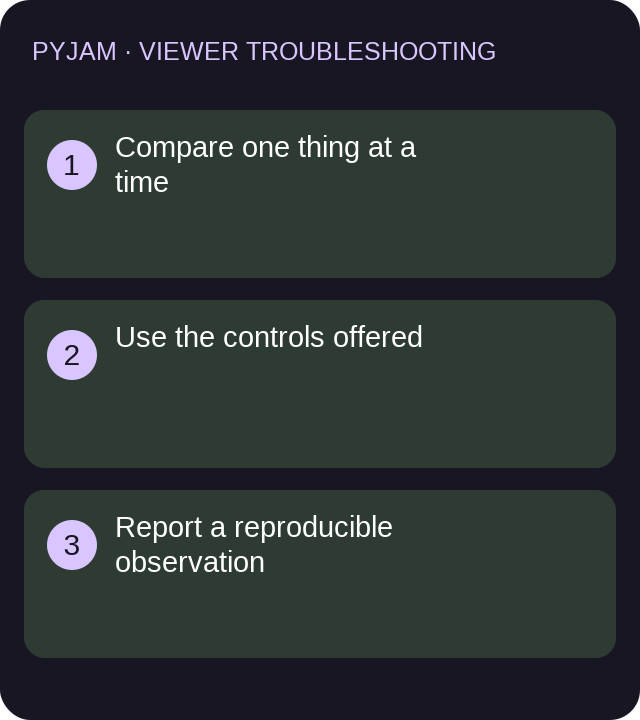
Compare one thing at a time
Try another available video on the same device and connection. If it plays normally, return to the original and note whether the problem continues. If several videos struggle, compare a different connection you are allowed to use. Keep the comparison short. Changing device, network and player settings simultaneously can conceal which difference mattered to the result.
Use the controls offered
If the player provides a quality choice, try a lower available setting and observe whether playback steadies. Not every service offers several qualities. Close unnecessary simultaneous playback sessions. OBS documentation distinguishes a broadcaster's dropped frames from viewer buffering; one viewer's symptom does not identify the broadcast-side cause. Avoid asking the creator to change everything based on one unexplained observation.
Report a reproducible observation
Record the link, approximate time, device, browser and what you tried. Describe whether picture, sound or both stopped without sharing account details. A useful report states specific conditions. If no comparison resolves the problem, choose another video for now and use official support. Repeatedly refreshing without recording a result adds little information and may interrupt a useful comparison.
Try the check in Pyjam
Open Pyjam and choose an available public video. Apply the viewing check above to that item, keeping its live or recorded status in mind. Availability and controls should be checked in the current session.
Explore Live Streams in Pyjam