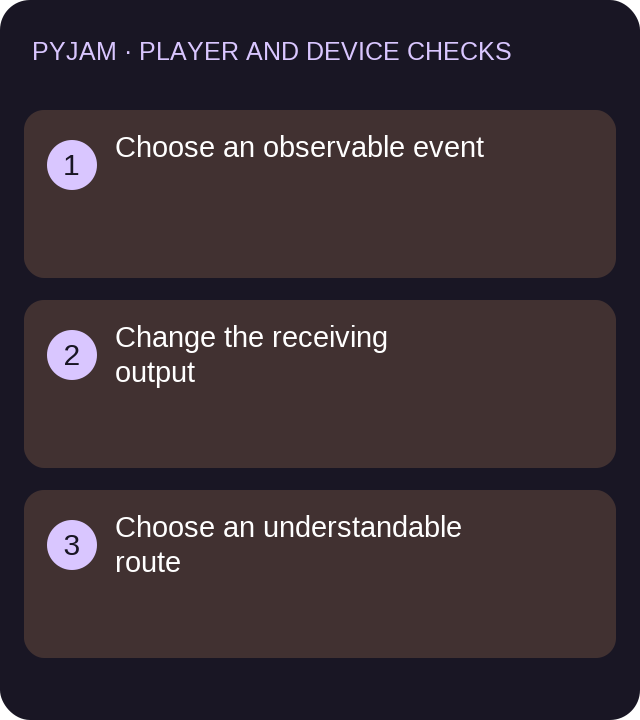
Choose an observable event
Find a replay moment with a clear visible sound-producing action, such as a hand clap in a permitted test. Note whether the mouth or movement appears before or after the sound. Avoid estimating an exact delay from a vague impression. Keep the player quality and playback speed stable. A live conversational pause is not a reliable synchronization reference because the presenter may deliberately wait before speaking.
Change the receiving output
If you have an ordinary alternative, compare the same passage using that output and then return to the original. Keep volume comfortable and avoid routing sound through several simultaneous devices. Record what you actually hear and see. A difference that follows a wireless output supports a receiving-path hypothesis; it does not identify a particular codec or establish a universal delay for that device family. Other background activity and software changes can complicate the comparison.
Choose an understandable route
Use the output that keeps the demonstration clear in this session, or seek supported device guidance if the mismatch persists. If every available output shows the same offset on one item, preserve that observation for the publisher instead of repeatedly reconnecting equipment. This is a viewer-side comparison, not proof of the platform's total broadcast latency. A synchronized recording can still be delivered behind the creator's present moment, which is a different timing question.
Audio-output comparison card
Write item timestamp, visible event, first output, alternative output and whether the ordering changed. Example: the same clap looks aligned through the device speaker and late through the wireless headset. Record the observed difference without inventing a millisecond measurement. Recheck if the receiving application or selected output changes.
Try the check in Pyjam
Open Pyjam and choose an available public video. Apply the viewing check above to that item, keeping its live or recorded status in mind. Availability and controls should be checked in the current session.
Explore Live Streams in Pyjam