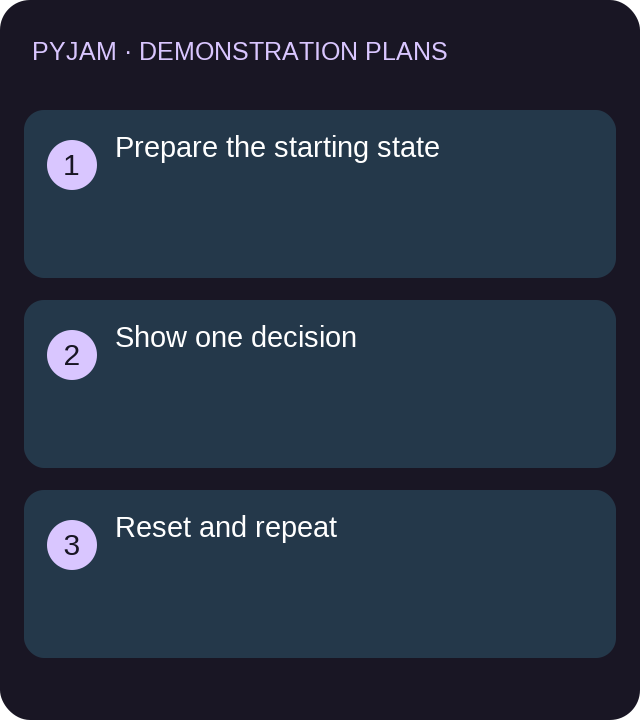
Prepare the starting state
Use a game and materials you can show. Verify the rule you intend to teach from an appropriate source. Arrange a small example with clearly named pieces and a visible starting position. Distinguish your teaching explanation from an official rules statement. Avoid using a complicated full-game state when a simpler legal position can reveal the relationship the audience needs to understand.
Show one decision
Name the active player, identify the chosen piece and explain the permitted action before moving it. Describe the resulting board state in words. Keep hands from hiding the important destination. Use labels or shapes as well as color where needed. The audience should be able to follow the move from the spoken explanation and the stable picture, rather than reconstructing several quick actions after they have already happened.
Reset and repeat
Return to the starting state and ask a helper what the next legal action would be. Address the relevant uncertainty before introducing exceptions. Keep a reference to the verified rule available, and correct a mistake explicitly. A presentation rehearsal tests clarity, not the completeness of the game's rule interpretation. Save the simple state so the lesson can be repeated without rebuilding a complex position from memory.
Turn teaching card
Record starting state, active player, relevant rule source, chosen action, resulting state and reset method. Example acceptance: a viewer names the moved piece and its destination before the next turn begins. Keep an exception outside the opening example unless it changes that move's legality. Rehearse with the actual pieces, since their labels may be less readable than an enlarged diagram.
Try the check in Pyjam
Open Pyjam’s preparation route and inspect the available setup before choosing to broadcast. Use the rehearsal above to decide what to check; opening the app alone does not start or confirm a public session.
Prepare a Stream in Pyjam