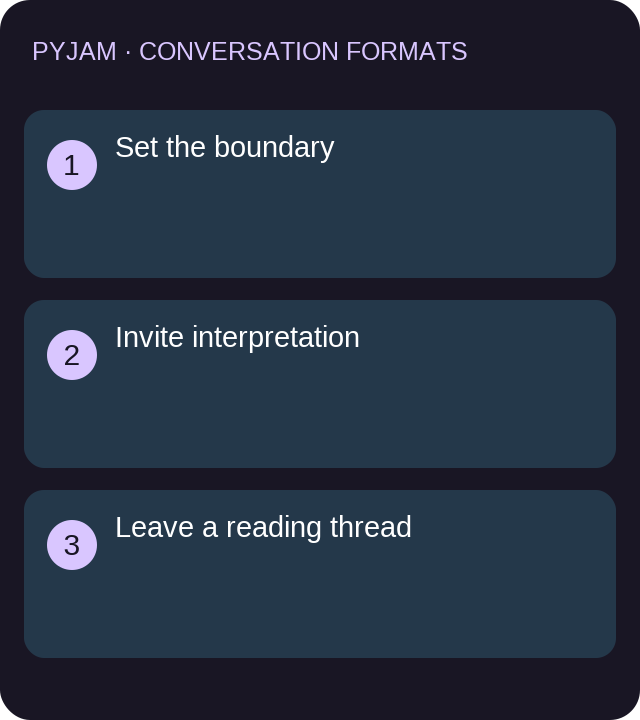
Set the boundary
State title, author and section. Explain whether later plot developments will appear. Use chapter or scene references alongside page numbers. Open with a question about an idea or decision. Avoid an unplanned reading of large portions. Distinguish your summary from the author's wording and keep the discussion focused enough that newcomers know whether they are prepared to join.
Invite interpretation
Ask participants to describe supporting moments in their own words. Separate a character's statement from a reader's interpretation. Allow disagreement. Restate scope when later events intrude. A focused question can restore the thread without prescribing a single reaction. Ask what led to an interpretation rather than treating disagreement as a failure to remember the plot correctly.
Leave a reading thread
Summarise contrasting interpretations and their open questions. Name the next section if continuing. Do not imply author endorsement. Use your notes and follow applicable rights and service rules for displayed material. Keep commentary central rather than letting a dramatic isolated quotation stand in for the discussion. Make clear which conclusion belongs to a participant rather than the group.
Discussion card
Write reference system, spoiler boundary, question, two scene references, alternative view and next section. Example: what changed your impression of this character? Guide the conversation without prescribing its conclusion and keep the next meeting's reading scope understandable to someone joining later.
Try the check in Pyjam
Open Pyjam’s preparation route and inspect the available setup before choosing to broadcast. Use the rehearsal above to decide what to check; opening the app alone does not start or confirm a public session.
Prepare a Stream in Pyjam