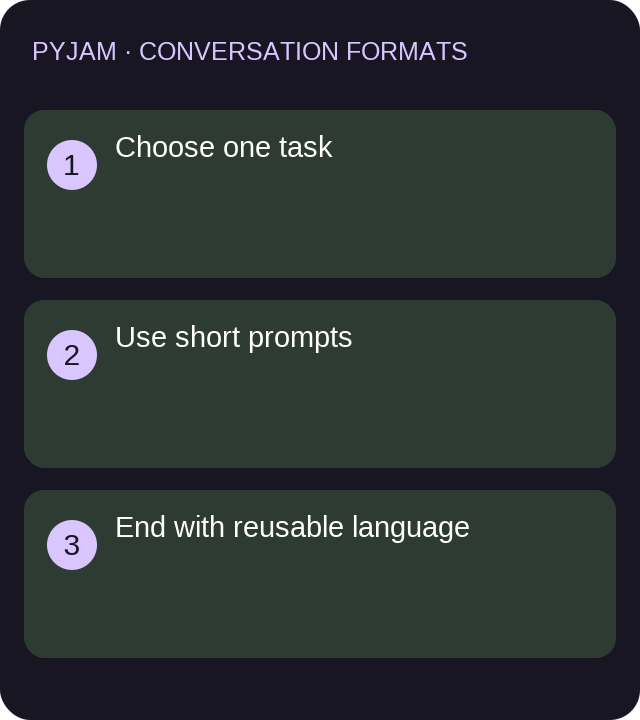
Choose one task
Practise explaining a hobby or giving fictional directions. State approximate level and vocabulary. Agree correction timing. Test participation options. Watching English commentary can support listening without offering speaking access. Keep the exercise fitted to the available route; a written chat answer and a spoken guest turn need different pacing even when they practise the same expression.
Use short prompts
Give an example and thinking time. Clarify meaning before minor wording. Keep personal details optional. Accept a written response where appropriate. Silence can reflect delay, language processing or restrictions rather than unwillingness. Avoid turning every pause into another prompt, which can leave participants answering different questions at once and make a simple practice exchange confusing.
End with reusable language
Restate phrases in context. Avoid rankings or formal assessment claims. Set a next exercise tied to the goal. Explain intended replay or reuse beforehand and use actual service controls. Do not assume everyone expects contributions to be redistributed. A useful close reinforces a message participants tried to communicate rather than presenting an unsupported judgement of their overall ability.
Practice sheet
Write task, model sentence, three phrases, thinking pause, correction timing and closing exercise. Use fictional details for directions. Success is a clearer message, not promised fluency. Keep the task small enough that a participant can identify what changed in their own explanation during this session.
Try the check in Pyjam
Open Pyjam’s preparation route and inspect the available setup before choosing to broadcast. Use the rehearsal above to decide what to check; opening the app alone does not start or confirm a public session.
Prepare a Stream in Pyjam