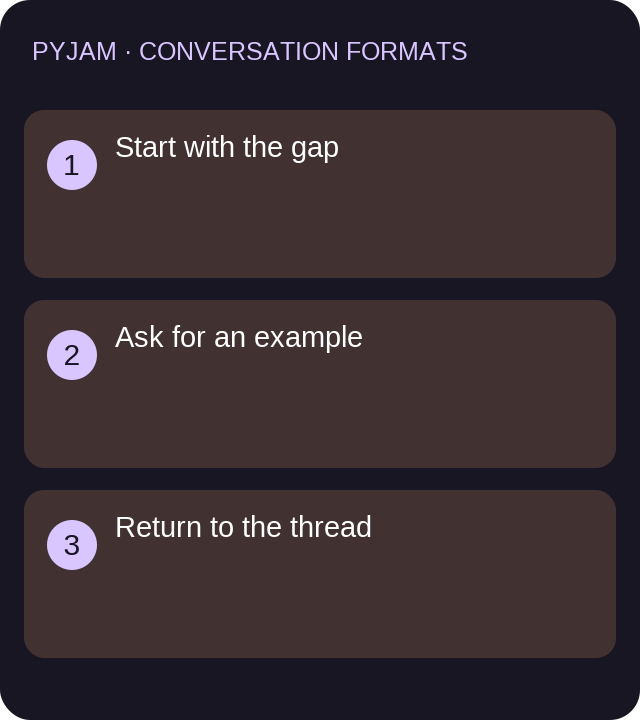
Start with the gap
Name what listeners need and the guest's relevant experience. Prepare a short opening question. Check names and pronunciation. Agree boundaries for topics not intended for discussion. A long biography disguised as a question can hide the useful point. Keep background notes separate from the prompt so the guest gets room to answer rather than repeatedly confirming facts you already read aloud.
Ask for an example
Follow a broad answer with a specific situation, decision or observation. Listen instead of rigidly reading every question. Let the guest finish. Repeat an unclear term and ask what it meant in that situation. Separate personal experience from claims about a whole field. A good follow-up develops something actually said rather than steering back to an unrelated prepared anecdote.
Return to the thread
Summarise the original audience question and invite correction. Choose relevant viewer questions where offered, without promising every message will be read. Agree later resource sharing with the guest. Close on what was explained rather than a planned conclusion the conversation never supported. Keep an unresolved point explicit if a useful answer needs information outside the session.
Question ladder
Use situation, decision, outcome and what to check now. Add a topic boundary and closing summary. The ladder supports listening rather than preventing unexpected relevant detail. Keep one optional follow-up for a concrete example and leave enough time for the guest to explain it.
Try the check in Pyjam
Open Pyjam’s preparation route and inspect the available setup before choosing to broadcast. Use the rehearsal above to decide what to check; opening the app alone does not start or confirm a public session.
Prepare a Stream in Pyjam