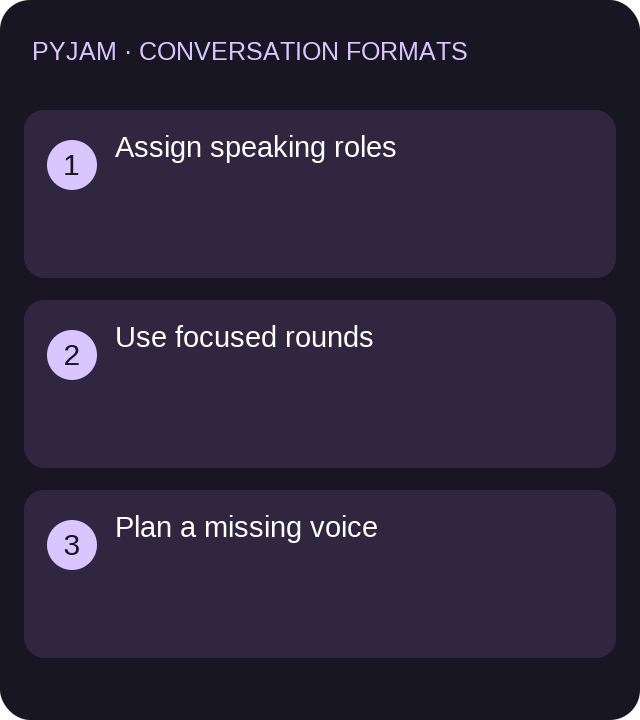
Assign speaking roles
Choose who introduces, answers first and watches time. Prepare pronunciation notes and a transition phrase. Test actual guest and microphone controls before depending on them. A role plan does not imply every service offers the same tools. Keep a verbal fallback so the discussion remains orderly when an interface feature is missing or a participant cannot find it.
Use focused rounds
Ask one question and name a speaker. Give the next a point to address instead of inviting simultaneous replies. Pause for delay. Restate the order after overlap. Summarise an unresolved point before moving on. This makes transitions meaningful to viewers who cannot see a private production conversation and do not know why one person has suddenly stopped speaking.
Plan a missing voice
Agree a response to disconnection or missing sound. Continue usefully instead of talking over tests. Recap for a returning speaker. Base the conclusion on contributions actually heard, not assumed agreement. Name unanswered questions. A person who was absent for a discussion should not be presented as endorsing a summary they had no opportunity to address.
Panel sheet
Write topic, host, first answer, order, transition, absence fallback and open question. Rehearse a short interruption. Success means a listener knows who speaks and why, even when the sequence changes. Keep cues simple enough to use while paying attention to the conversation.
Try the check in Pyjam
Open Pyjam’s preparation route and inspect the available setup before choosing to broadcast. Use the rehearsal above to decide what to check; opening the app alone does not start or confirm a public session.
Prepare a Stream in Pyjam