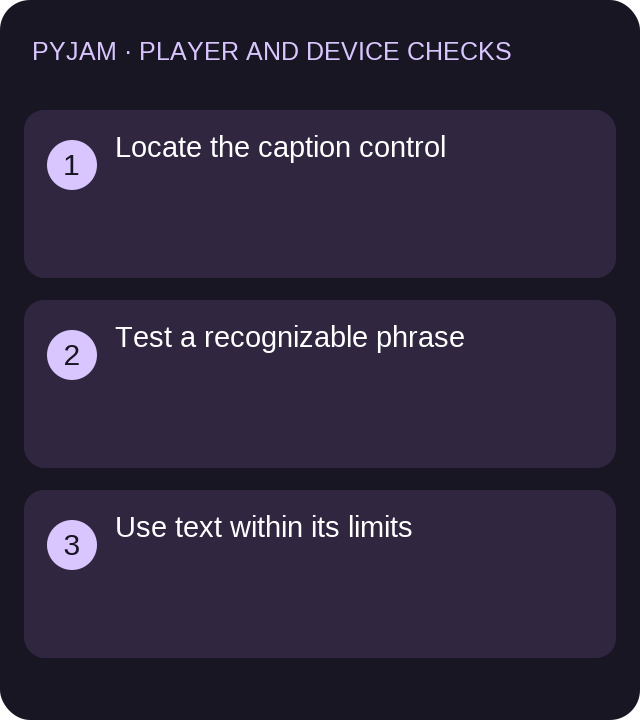
Locate the caption control
Inspect the video player and the browser separately. Record which control you used to display the text and where it appears. A floating browser caption panel is different from a caption option inside the service's player. Do not infer that the creator supplied a corrected transcript simply because readable words appear over speech. Keep the current video and language identifiable while checking the source of the text.
Test a recognizable phrase
Listen to a short phrase containing a name, number or unusual term and compare the displayed words. Note whether the text follows the active video after switching focus or pausing. Use the controls actually offered to change or close that caption route. Chrome's Live Caption documentation describes its browser feature; it does not establish identical support in another browser, application or device. Avoid running multiple caption layers when they cover the same useful picture.
Use text within its limits
Treat uncertain wording as uncertain, especially where a mistaken numeral changes the instruction. Look for a creator-provided text reference or request clarification through an appropriate route when available. A browser caption panel does not establish that the recording contains a saved caption file or that every viewer receives the same text. Choose the arrangement that preserves the picture and intelligible words, then check it again if the speech language or sound source changes.
Caption-source record
Write browser feature, player caption option, spoken test phrase, observed error and chosen route. Example: a browser panel mishears a product name while the creator's written handout spells it differently. Preserve the uncertainty until checked. Do not silently turn an automatic guess into a quotation from the presenter.
Try the check in Pyjam
Open Pyjam and choose an available public video. Apply the viewing check above to that item, keeping its live or recorded status in mind. Availability and controls should be checked in the current session.
Explore Live Streams in Pyjam