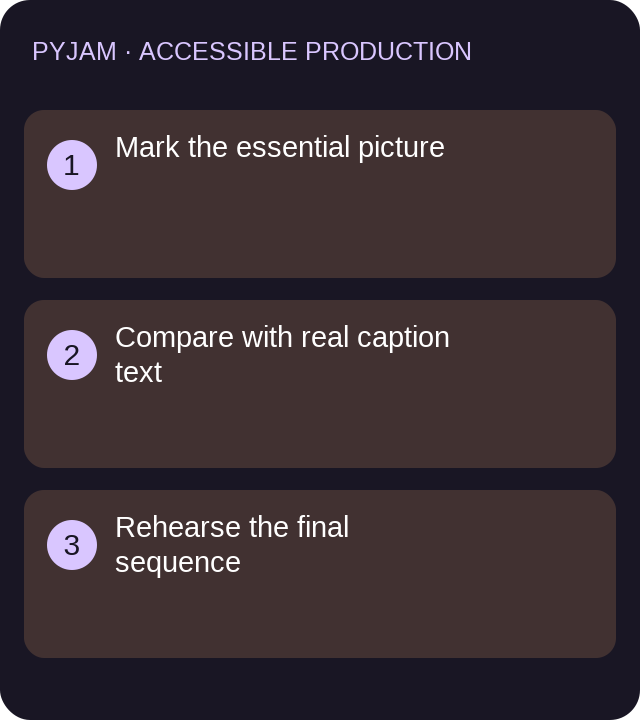
Mark the essential picture
Identify the hands, objects, labels and results that carry the explanation. Rehearse their movement through the frame. Then inspect where captions appear in the intended playback workflow, including a longer realistic line. Different players and user settings can alter the presentation, so record the actual conditions of the trial instead of treating one screenshot as a universal safe-area specification.
Compare with real caption text
Use representative speech and meaningful sound cues, not only a short sample word. Play the demonstration with the captions visible and check moments when the object moves near them. If important detail is obscured, revise the composition or the presentation through controls your workflow supports. Keep essential information in the spoken explanation too so viewers are not asked to infer a hidden gesture from a crowded picture.
Rehearse the final sequence
Check the opening, widest movement and finished result with the intended captioned copy. Ask a helper to identify the action while following the text. Preserve the chosen framing in the production notes. A clear rehearsal in one player does not establish identical rendering on all devices; inspect the priority receiving conditions separately when they matter to the audience.
Caption-space worksheet
List essential visual areas, tested player, text sample, covered detail and revised framing. Example failure: the measurement mark sits behind a two-line caption during the only close-up. Move the relevant detail or revise the view and repeat that action. Preserve both text readability and access to the demonstrated information when accepting the result.
Try the check in Pyjam
Open Pyjam’s preparation route and inspect the available setup before choosing to broadcast. Use the rehearsal above to decide what to check; opening the app alone does not start or confirm a public session.
Prepare a Stream in Pyjam