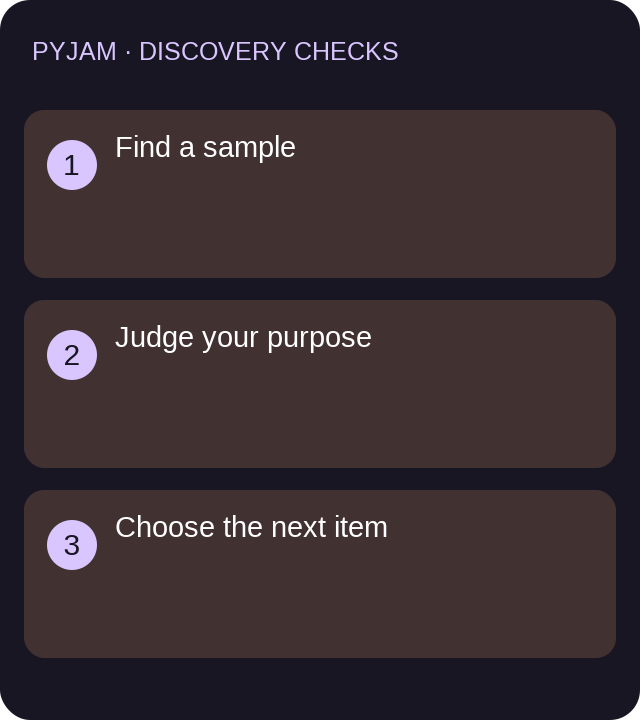
Find a sample
Read titles and dates. Choose relevant public content and inspect its status. Watch ordinary commentary, not only a dramatic highlight. One popular old item may not reflect current availability or language. Keep the sample reference beside any judgement. A channel existing today does not mean the selected video is current or that another session is presently transmitting.
Judge your purpose
For learning, check an explained step. For atmosphere, consider scene and sound. Keep enough context to understand what is happening. One replay proves little about future schedule or accessibility. Bound the conclusion to the item instead of assigning a creator-wide reliability or expertise rating from a short visit whose sample may have been chosen for a very different purpose.
Choose the next item
Continue with related content or a genuinely available live session. Use follow controls only for their stated effect. Old schedules are not appointments. Return through normal navigation if a link fails. Distinguish one unavailable recording from the rest of a catalogue, and keep a future plan separate from an actual item you have opened and confirmed working.
Sample note
Write item, date, status, spoken language, subject, useful moment and next available choice. Leave untested features unknown. This supports a viewing decision without broad ratings or invented live status. Keep the note specific enough to compare a later visit without pretending the original sample represented every session.
Try the check in Pyjam
Open Pyjam and choose an available public video. Apply the viewing check above to that item, keeping its live or recorded status in mind. Availability and controls should be checked in the current session.
Explore Live Streams in Pyjam