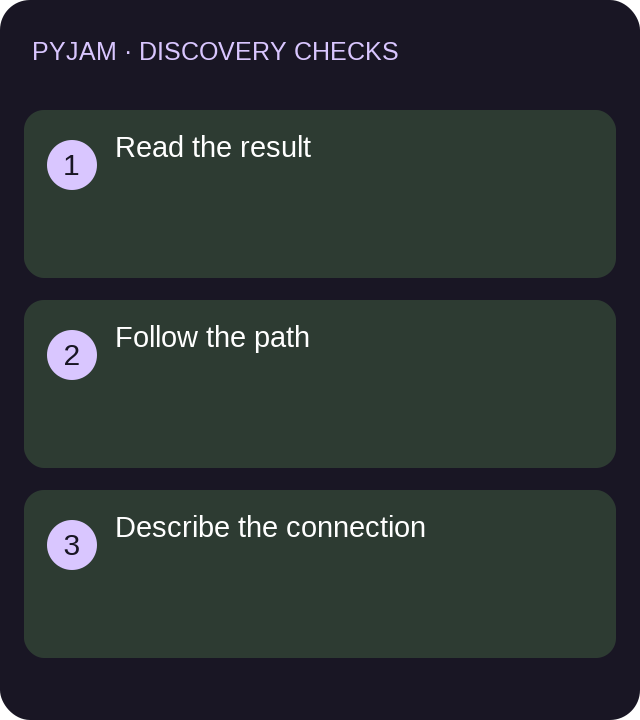
Read the result
Open public content through offered controls. Inspect title, creator and status. Clusters and creator markers can lead to different destinations. Not every marker is an active camera. Separate a place association from current transmission. Keep item-level information beside the map observation so a change of selected content does not accidentally become evidence about an entirely different video.
Follow the path
Notice player, channel or app navigation. Confirm playback before calling a stream working. Choose by subject and language when places overlap. Explore Pyjam through its app route while checking selected content availability. A map's existence does not prove continuous geographic coverage or that all markers represent identical types of content. Read the destination rather than inferring its meaning from appearance alone.
Describe the connection
Read item details before comparing a creator's different places or times. Do not track movements or seek addresses. Report confusing public navigation without personal location information. Interface evidence describes navigation, not automatically camera position. If location meaning remains unclear, keep the description broad and state that uncertainty instead of turning a marker into a precise claim about someone.
Marker card
Write marker or group, destination, title, status, public place context and playback result. Example: marker opened a creator page containing a recording. This is clearer than calling every item a live webcam. Keep the note tied to the selected result rather than assuming all mapped content behaves alike.
Try the check in Pyjam
Open Pyjam and choose an available public video. Apply the viewing check above to that item, keeping its live or recorded status in mind. Availability and controls should be checked in the current session.
Explore Live Streams in Pyjam