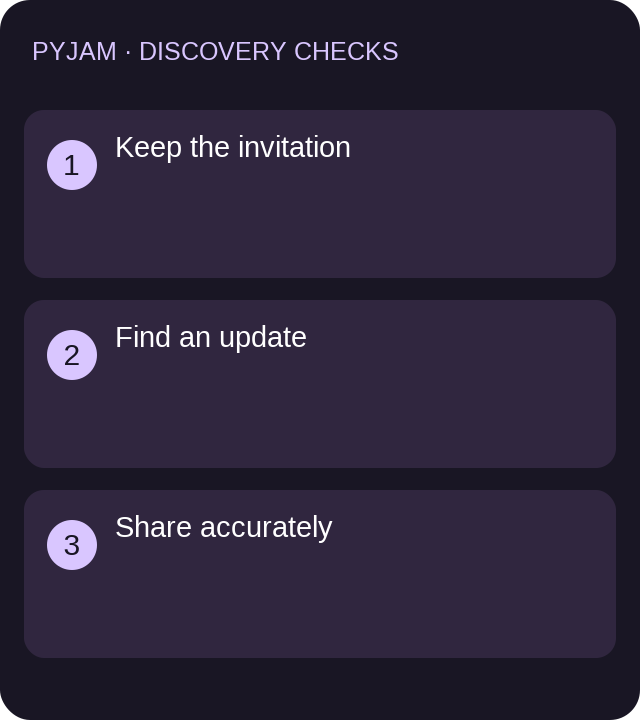
Keep the invitation
Record event, date, zone and viewing link. Read route status. A thumbnail does not confirm transmission. Resolve ambiguous time through the organiser instead of silently choosing a zone. Preserve original wording when comparing an update. A conversion shared confidently can still be wrong if the starting time lacked the information needed to identify the intended appointment.
Find an update
Check the event or channel for changed time, cancellation or address. Prefer explicit information to quiet chat or a static picture. Verify replacement links belong to the organiser. Retain the old reference so you can explain what changed. Keep the absence of an announcement separate from proof that the original plan remains in force or that the event has been cancelled.
Share accurately
Name updated zone or route and observation time. Do not call an unconfirmed delay cancellation or promise an unannounced replay. Say when start remains unclear. Choose whether to wait or return. Repeated playback adjustments cannot settle a schedule question, so keep local technical tests separate from the organiser's decision about when and where a session will begin.
Schedule card
Write original time, zone, update, route, observed status and next check. Example: later start listed, playback not begun. This separates changed plans from live activity and gives another viewer enough context to follow the right route without assuming it is already transmitting.
Try the check in Pyjam
Open Pyjam and choose an available public video. Apply the viewing check above to that item, keeping its live or recorded status in mind. Availability and controls should be checked in the current session.
Explore Live Streams in Pyjam