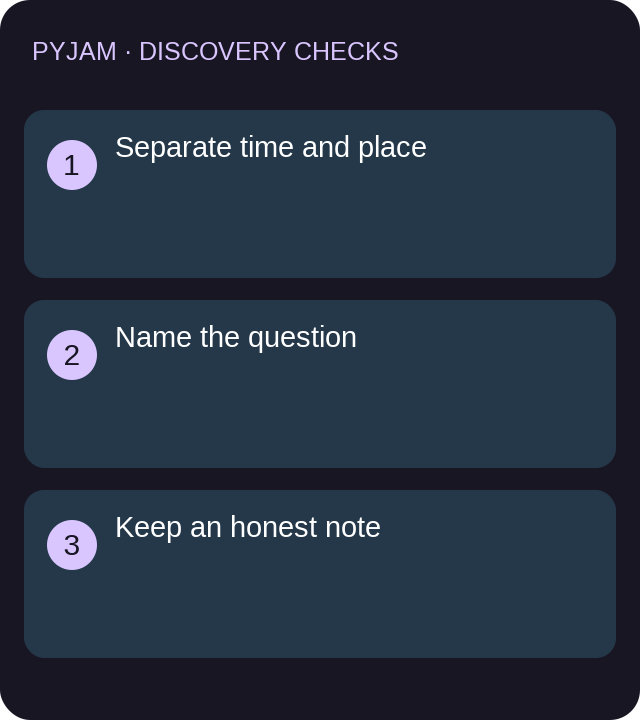
Separate time and place
Read date, status and creator description. Content can be associated with a place without showing current camera position. Recordings can show other seasons. A picture is context, not an explicit timestamp. Do not infer that everything visible happens now merely because a map can be opened or the scene appears consistent with a familiar daytime view.
Name the question
Choose current atmosphere, past travel or explanation. These require different evidence. For decisions needing present conditions use an appropriate current authoritative source rather than one video. Enjoy a replay accurately labelled. A scene can still be interesting without being a monitoring service, and uncertainty about current time does not make its historical or descriptive value disappear.
Keep an honest note
Record supplied time information. Do not convert an assumed camera time when the zone is unclear. Avoid requesting a private precise location. Choose another item if evidence is insufficient for your question. Keep uncertainty attached when sharing, so an enjoyable travel image does not become an unsupported present-condition claim through a more confident description than the source provides.
Context card
Write place label, status, date or zone, visible scene, intended use and uncertainty. Example: daytime replay associated with this city without verified current time. The card separates an interesting view from current evidence and tells a later reader what the selected item actually supports.
Try the check in Pyjam
Open Pyjam and choose an available public video. Apply the viewing check above to that item, keeping its live or recorded status in mind. Availability and controls should be checked in the current session.
Explore Live Streams in Pyjam