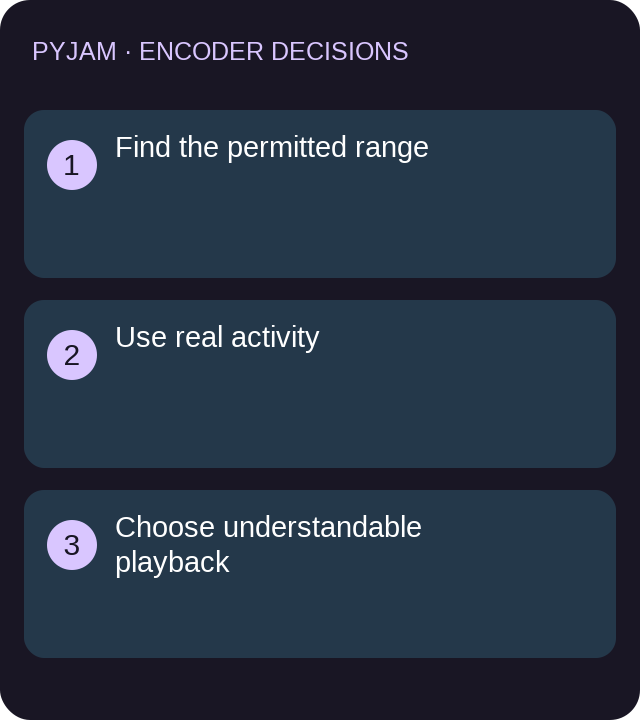
Find the permitted range
Read the destination's current encoder guidance and check account eligibility. Record the existing setting. OBS connection guidance treats stability and sustainable bitrate as relevant checks. Do not copy a number for another service, resolution or network as a universal recommendation. Keep the intended output and the destination's requirements beside each other before comparing options.
Use real activity
Rehearse the demanding part, such as moving foliage or a detailed moving screen. Keep device, location and destination consistent. Note warnings and interruptions. A static opening can hide later problems. Compare settings with the same action, long enough to observe its result, instead of changing the test material whenever you adjust the output.
Choose understandable playback
Compare the audience picture and broadcaster status. Record a disconnection before changing anything. If both settings stay connected, judge text and movement instead of assuming the larger number wins. Keep a simpler checked fallback. A brief trial cannot guarantee later network conditions, so prepare a clear recovery message and retain uncertainty in the comparison.
Comparison sheet
Write bitrate, resolution, frame rate, action, duration, warning and viewer observation. Keep unchanged fields identical. Example: trial B made the detail readable without trial A's interruption, under these conditions. Preserve both results rather than only the preferred setting.
Try the check in Pyjam
Open Pyjam’s preparation route and inspect the available setup before choosing to broadcast. Use the rehearsal above to decide what to check; opening the app alone does not start or confirm a public session.
Prepare a Stream in Pyjam