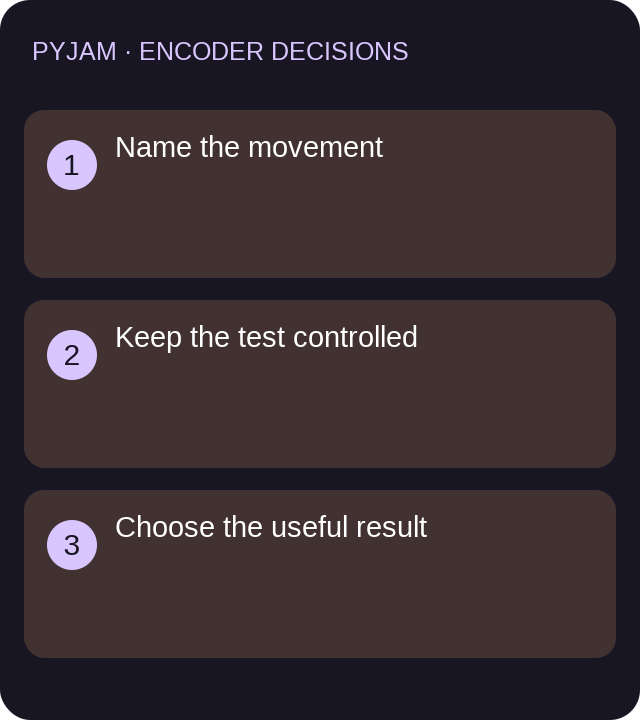
Name the movement
Distinguish discussion, slow demonstration and fast action. Choose a repeatable motion: turn a page, move a tool or pan over an object. Keep position and light consistent. Record the starting frame rate. Do not turn a vague impression into a claim about settings you did not note, or compare different activities as though they were one controlled trial.
Keep the test controlled
Use supported choices. OBS performance guidance identifies frame rate as a contributor to rendering and encoding load. Compare suitable settings with the same action. Record overload warnings without immediately blaming the network. Simplify an unreliable setup and repeat the activity before adding other changes. Keep the original settings available so a failed adjustment can be reversed.
Choose the useful result
Check comprehension and sustained output together. Smooth motion helps, but stable framing and explanation also matter. Keep a dependable setup that meets the purpose. A local clip does not prove live delivery: repeat through a viewer route when intentionally transmitting. State which stage passed rather than treating a successful preview as complete audience acceptance.
Motion card
Write action, frame rate, output size, duration, stutter, warning and viewer judgement. Ask whether the viewer follows where the tool stops. Preserve the configuration with the activity tested, not as a guarantee for all future broadcasts.
Try the check in Pyjam
Open Pyjam’s preparation route and inspect the available setup before choosing to broadcast. Use the rehearsal above to decide what to check; opening the app alone does not start or confirm a public session.
Prepare a Stream in Pyjam